Classic browser games
Classic games you can play in your browser
Play classic games in your browser through free demos, engine ports and independent recreations. Start with Quake, CS Surf, Diablo or Minecraft Classic, then check each guide for controls, required files and device support. The directory also preserves all 24 original Radiant Optimizer entries, including projects without a verified launch link.
Eight browser games to start with
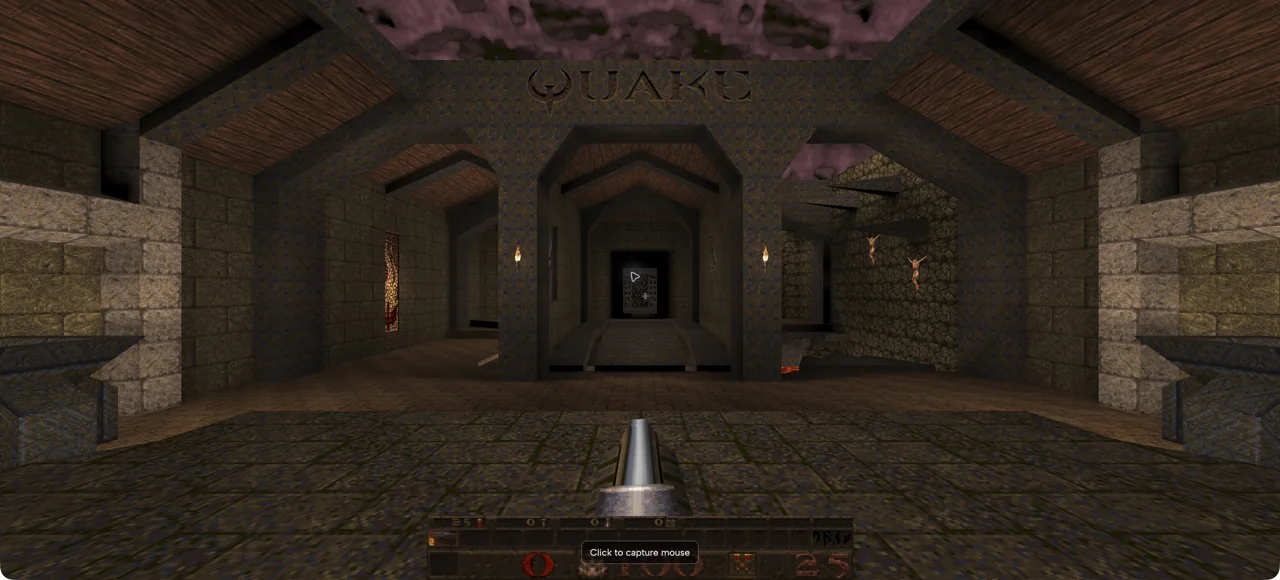
These guides document browser projects with launch links. Free access may mean demo or shareware content rather than the full commercial game. Screenshots in each guide distinguish gameplay captures from startup screens; they do not guarantee a host is available today.
| Game and setup guide | Access and game files | What you need |
|---|---|---|
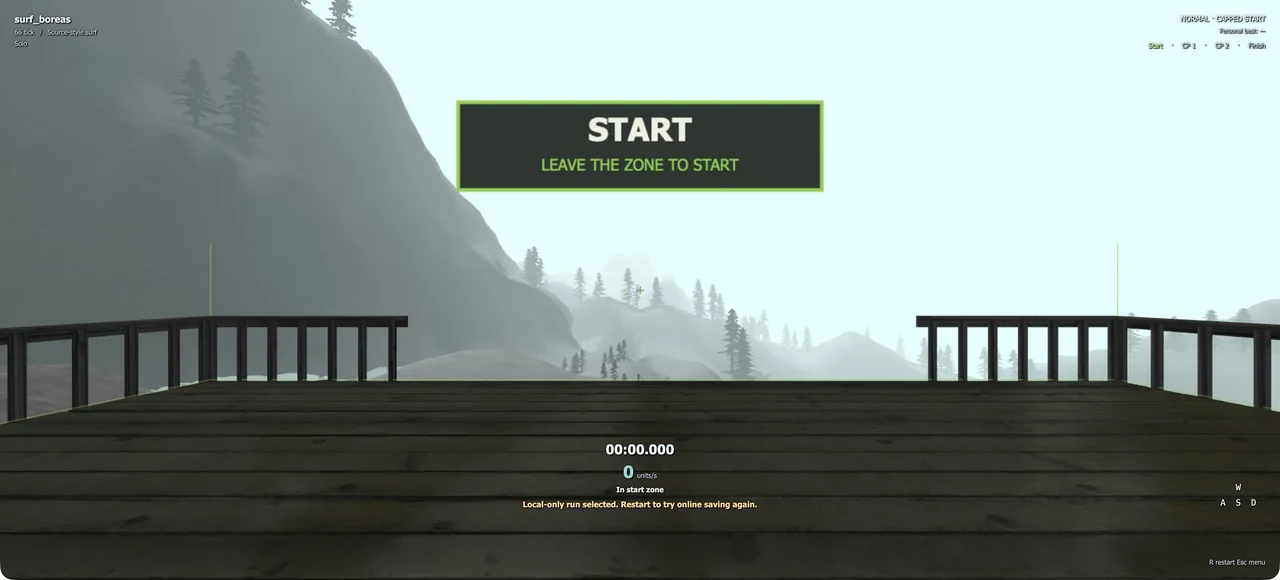
| CS Surf browser guide → | Surfd is its own free game. Real CS surf servers run in Counter-Strike 2, which is free on Steam. | Desktop browser · Keyboard and mouse |
| Quake browser guide → | Free shareware episode; full game requires your own copy (Quake is sold on Steam and GOG). | Desktop browser · Keyboard and mouse |
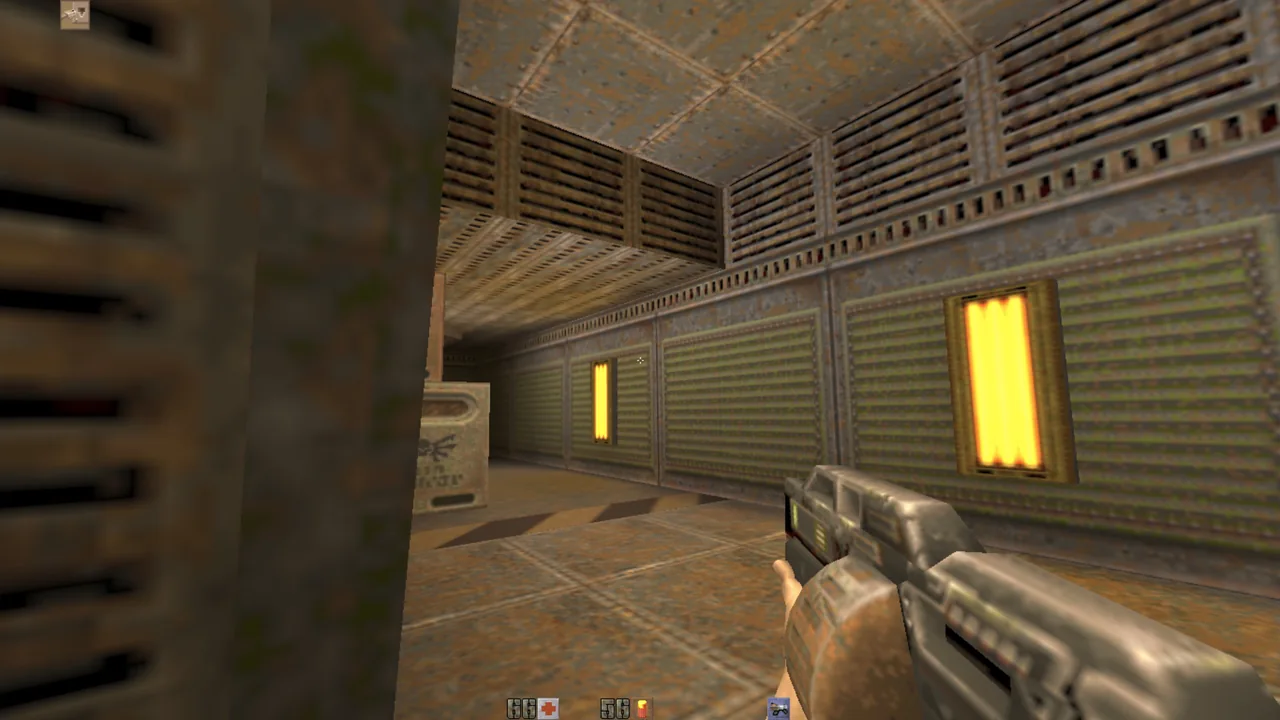
| Quake II browser guide → | Free demo levels; the full game needs your own PAK files (Quake II is sold on Steam and GOG). | 18+ confirmation on the host · Optional: your own PAK files |
| Quake III Arena browser guide → | Uses free demo data; Quake III Arena is sold on Steam and GOG. | Desktop browser (phone mode available) · Keyboard and mouse recommended |
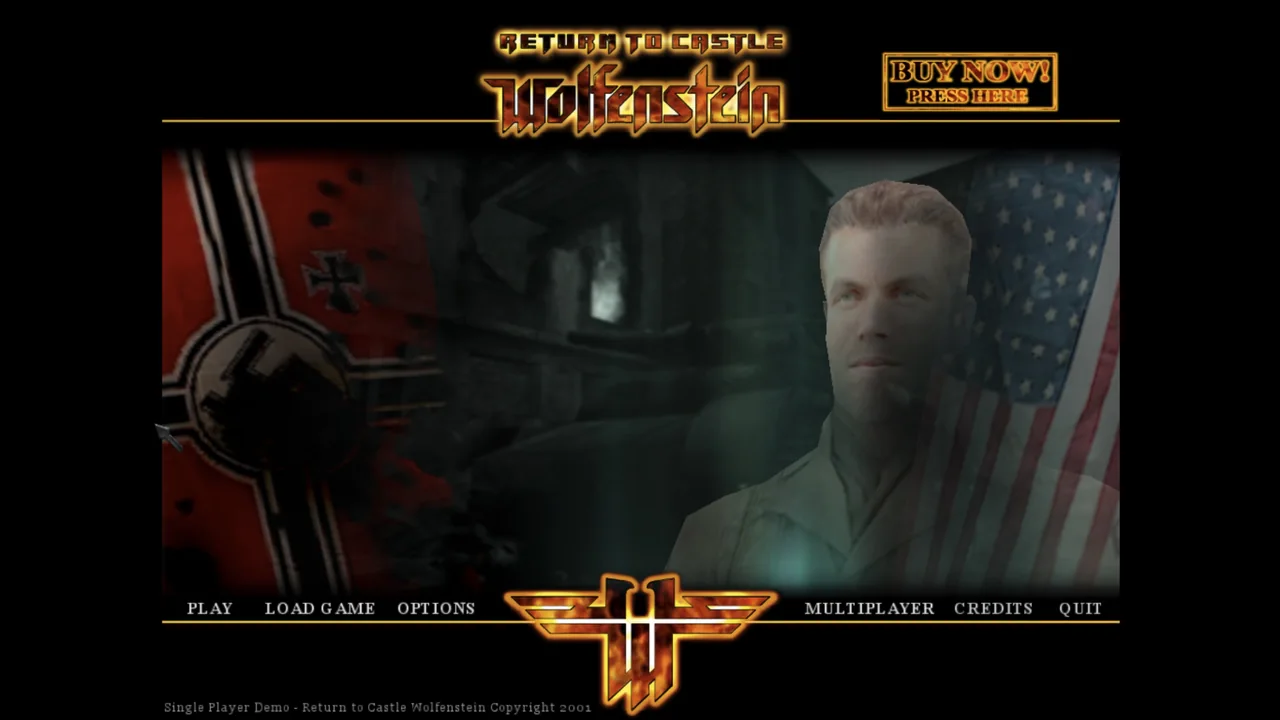
| Return to Castle Wolfenstein browser guide → | Free demo; the full campaign needs your own game files (RTCW is sold on Steam and GOG). | 18+ confirmation on the host · Optional: your own .pk3 files |
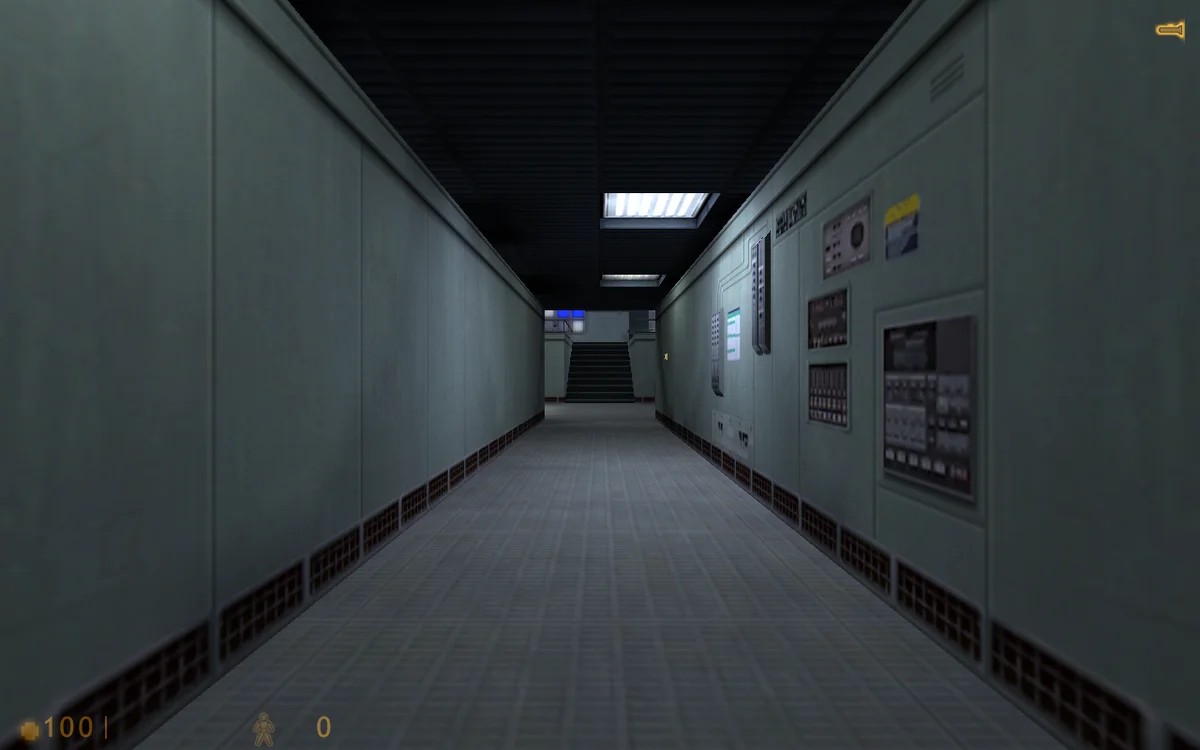
| Half-Life browser guide → | Uplink demo is free; Half-Life is sold on Steam. | Desktop browser · Keyboard and mouse |
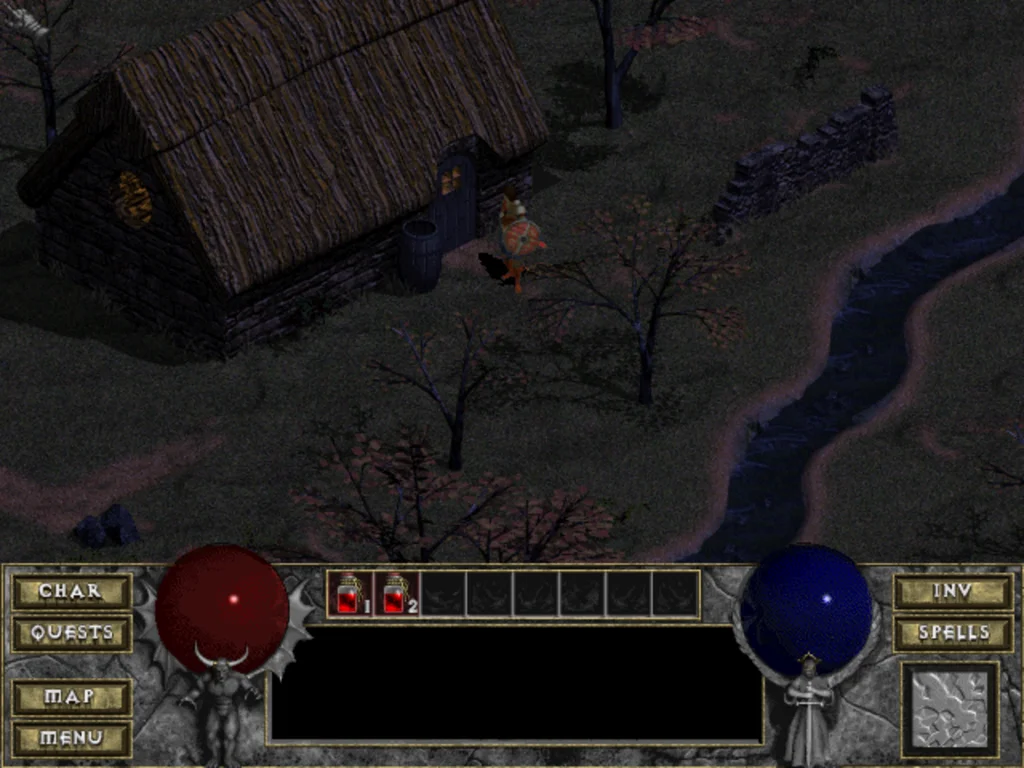
| Diablo browser guide → | Shareware is free; the full Diablo is sold on GOG and Battle.net. | Desktop browser · Mouse · Optional: your own DIABDAT.MPQ |
| Minecraft Classic browser guide → | Official and free from Mojang. | Any modern browser · Keyboard and mouse |
How to choose a browser game
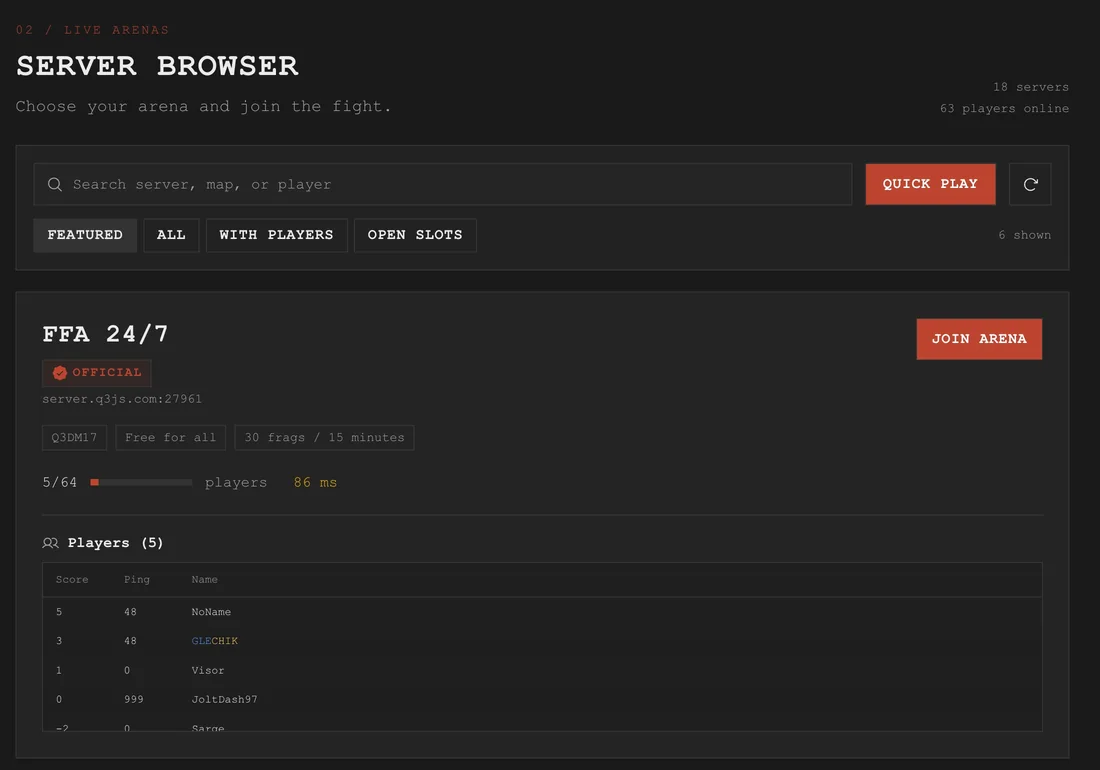
For a quick desktop session, start with CS Surf or Quake’s shareware episode. Minecraft Classic offers creative building rather than modern survival mode. For touch controls, check the Quake II and Wolfenstein guides for host requirements and limitations. Quake III’s recorded capture shows its server browser, not a successful match.
Open a game’s guide for setup steps and screenshot evidence. Try the demo first where offered; full-game ports may need files from a copy you own. Use the browser compatibility check if graphics or loading fail.
Browse the full browser games directory
Search all 37 games below: 24 from the original post and 13 additional recommendations. Use the collection filter to view either group.
Quake II
Desktop · touch controls · Qwasm2
What you need: 18+ confirmation on the host · Optional: your own PAK files
 Startup screen
Quake III Arena
Desktop · touch controls · Q3JS
What you need: Desktop browser (phone mode available) · Keyboard and mouse recommended
 Startup screen
Return to Castle Wolfenstein
Desktop · touch controls · Wwasm
What you need: 18+ confirmation on the host · Optional: your own .pk3 files
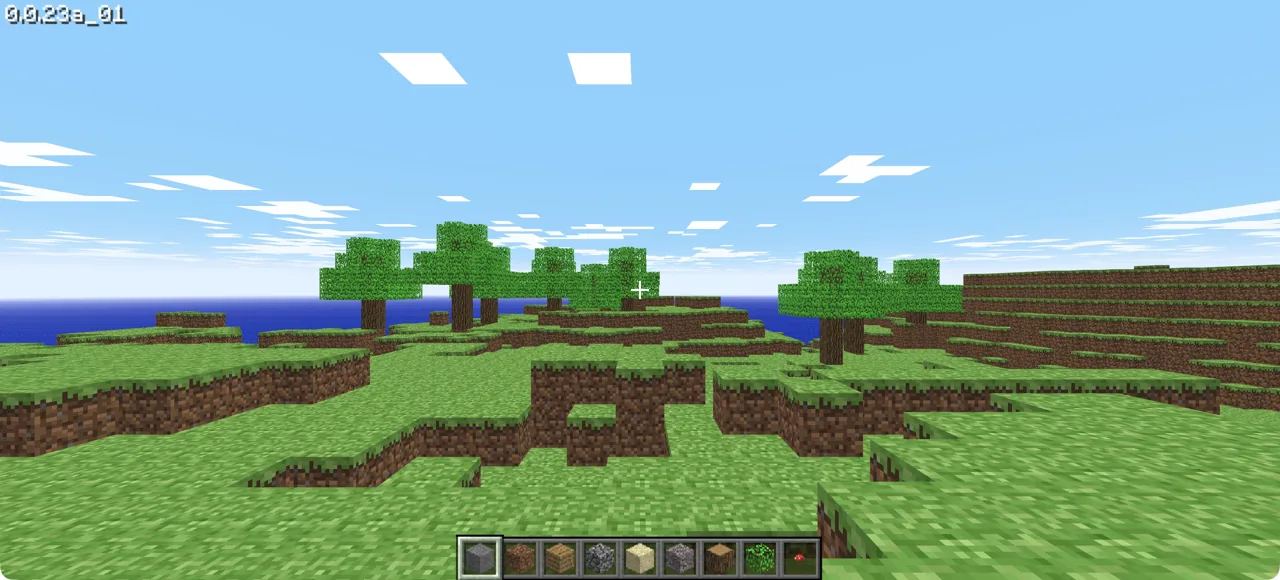
Minecraft (Classic)
Desktop · Minecraft Classic (Mojang)
What you need: Any modern browser · Keyboard and mouse
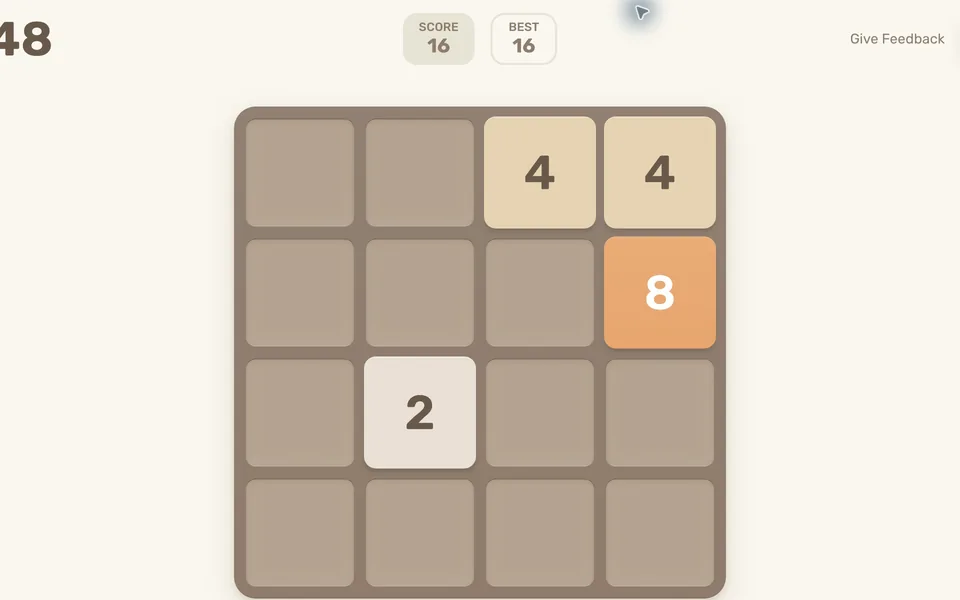
2048
Desktop + mobile · Gabriele Cirulli (original version)
What you need: JavaScript enabled · Keyboard or touchscreen
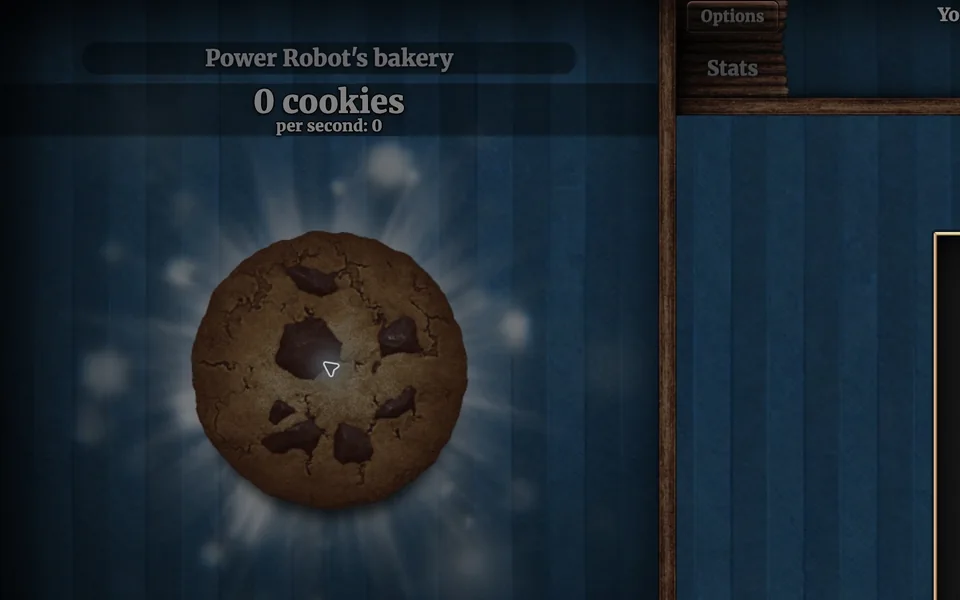
Cookie Clicker
Desktop · Orteil / DashNet
What you need: JavaScript enabled · Browser storage for local saves
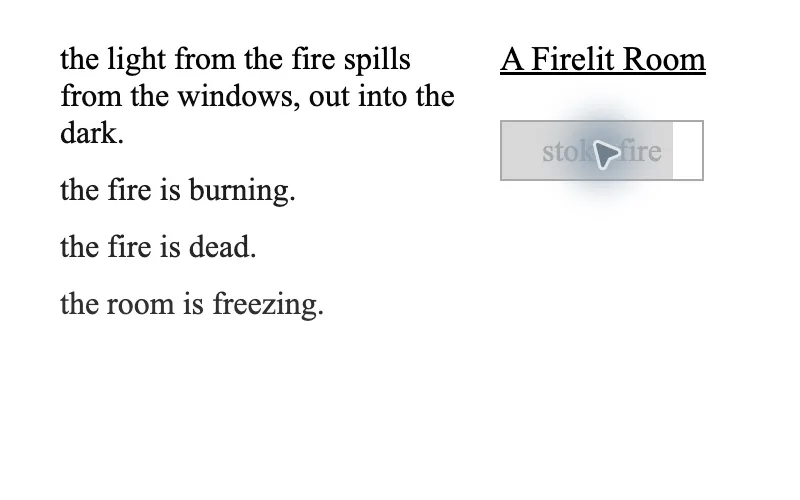
A Dark Room
Desktop · Doublespeak Games
What you need: JavaScript enabled · Browser storage for progress
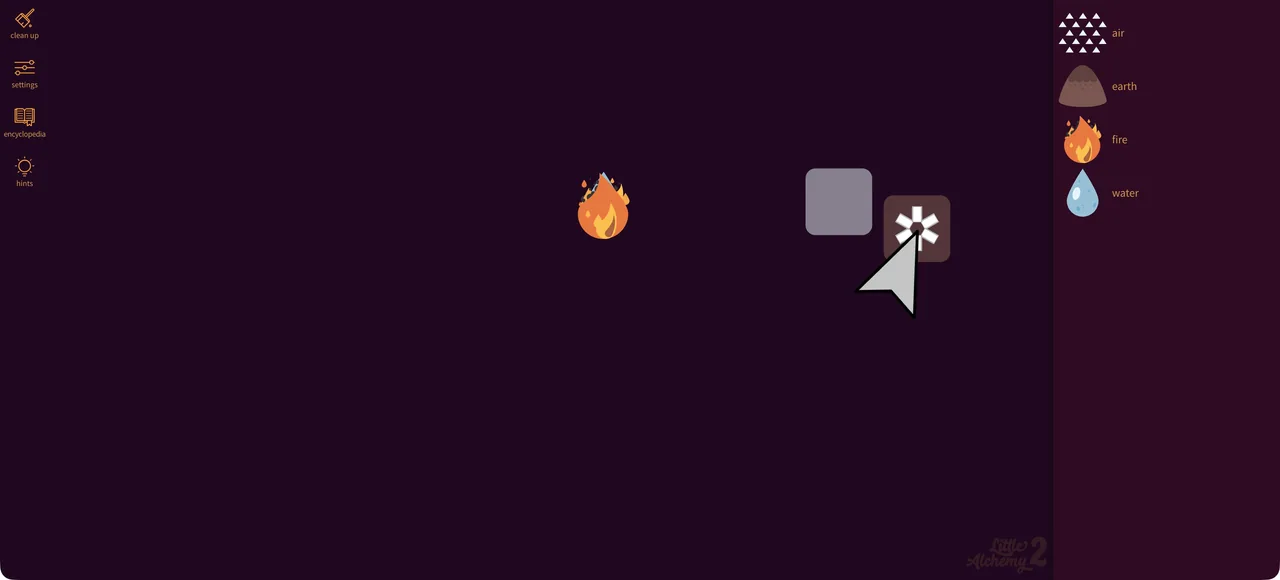
Little Alchemy 2
Desktop · Recloak (official site)
What you need: JavaScript enabled · Mouse or trackpad · Browser storage for progress
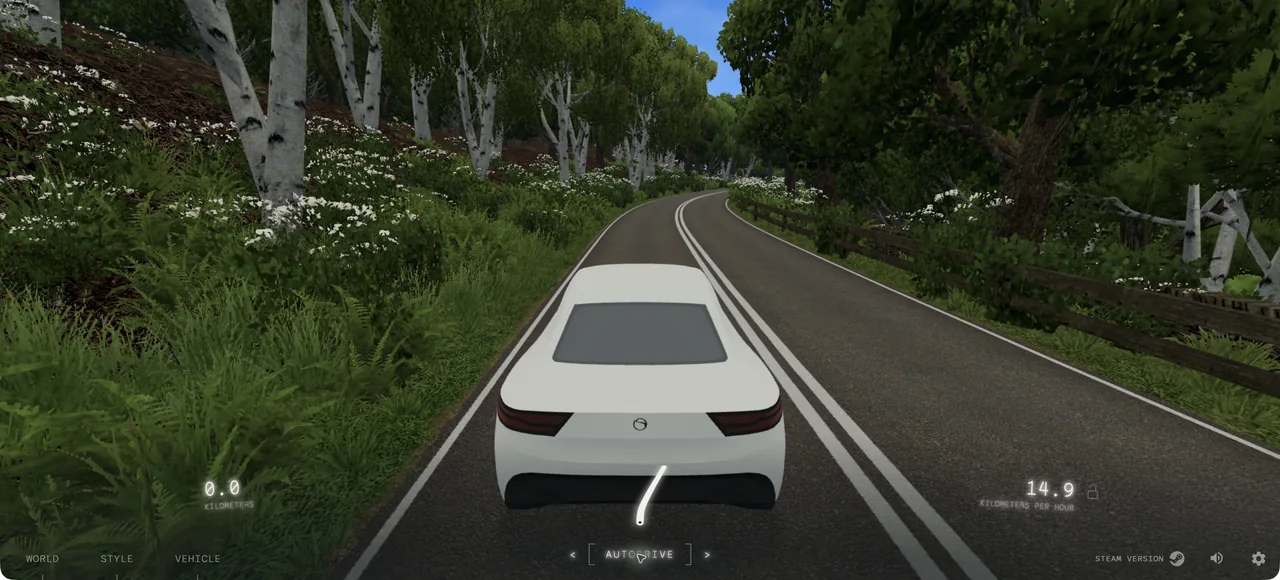
Slow Roads
Desktop · anslo (official site)
What you need: Modern browser with hardware-accelerated graphics · Keyboard · Stable connection for the initial load

Universal Paperclips
Desktop · Decision Problem / Frank Lantz
What you need: JavaScript enabled · Desktop browser · Browser storage for progress
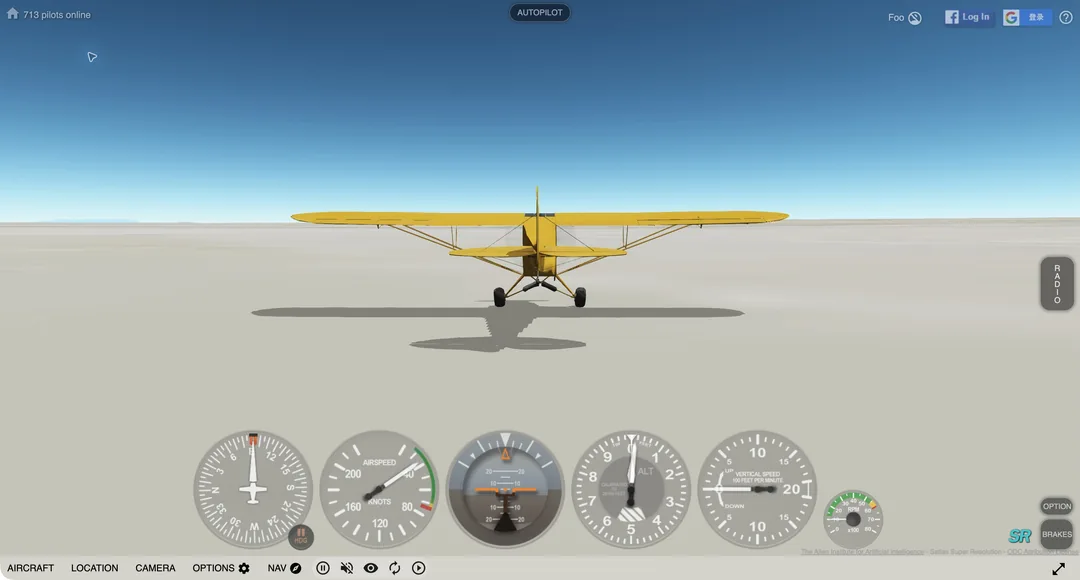
GeoFS
Desktop · GeoFS (official site)
What you need: Modern browser with hardware-accelerated graphics · Stable internet connection for scenery · Keyboard, mouse or supported joystick
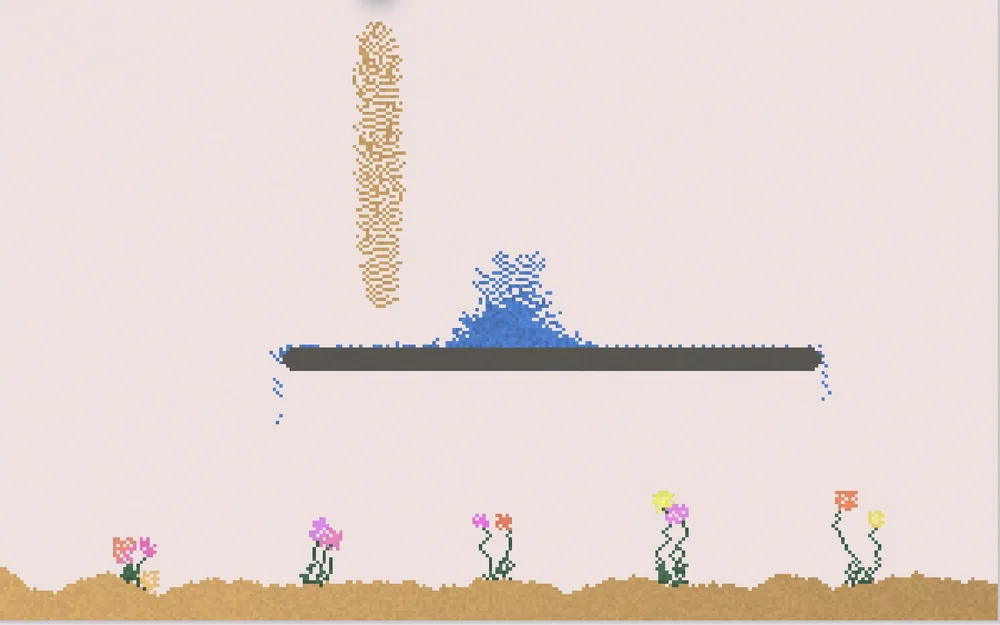
Sandspiel
Desktop · Max Bittker (original project)
What you need: WebAssembly and WebGL support · Mouse or trackpad · JavaScript enabled
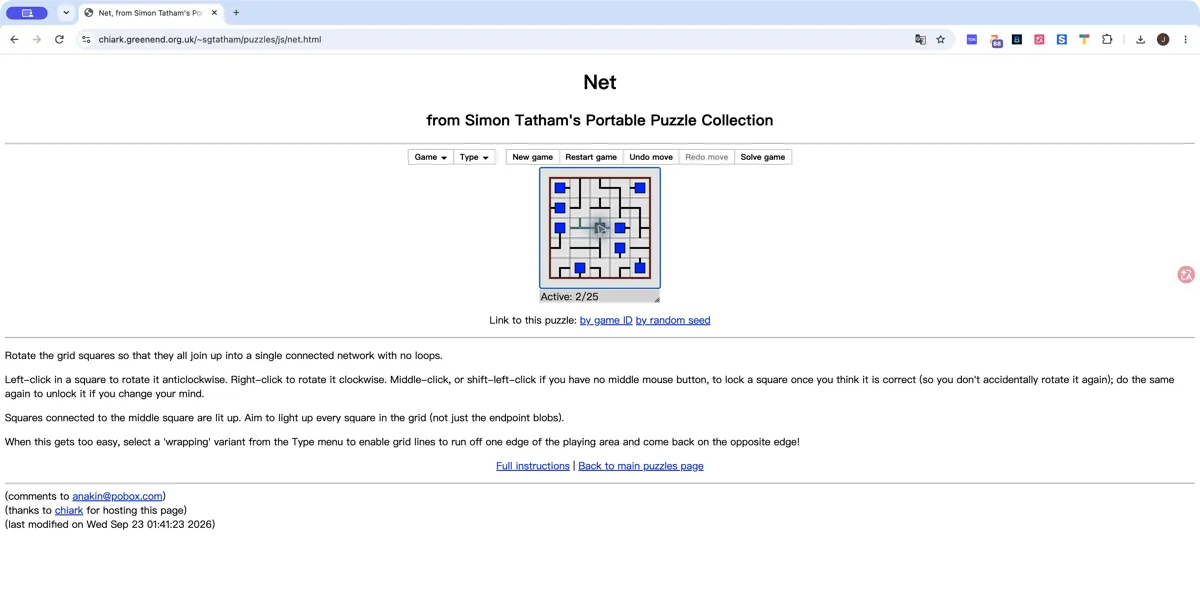
Net (Simon Tatham)
Desktop · Simon Tatham (official puzzle collection)
What you need: JavaScript and WebAssembly enabled · Mouse or pointing device
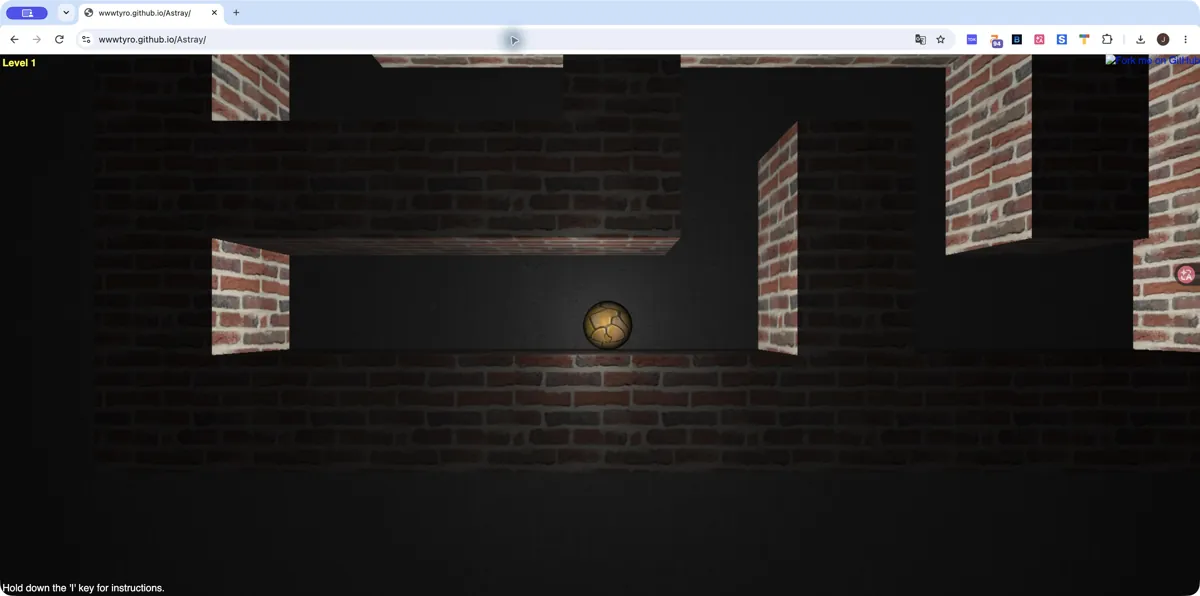
Astray
Desktop · wwwtyro (original GitHub Pages build)
What you need: Hardware-accelerated WebGL and JavaScript · Keyboard with arrow keys
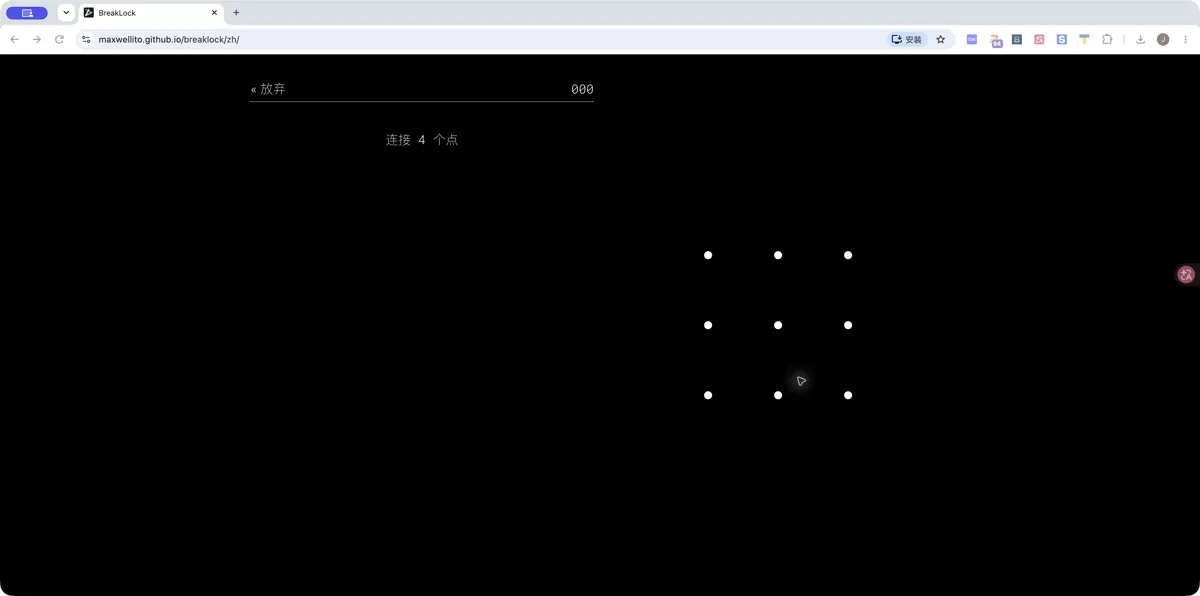 Startup screen
BreakLock
Desktop · maxwellito (original project)
What you need: JavaScript enabled · Mouse or pointing device
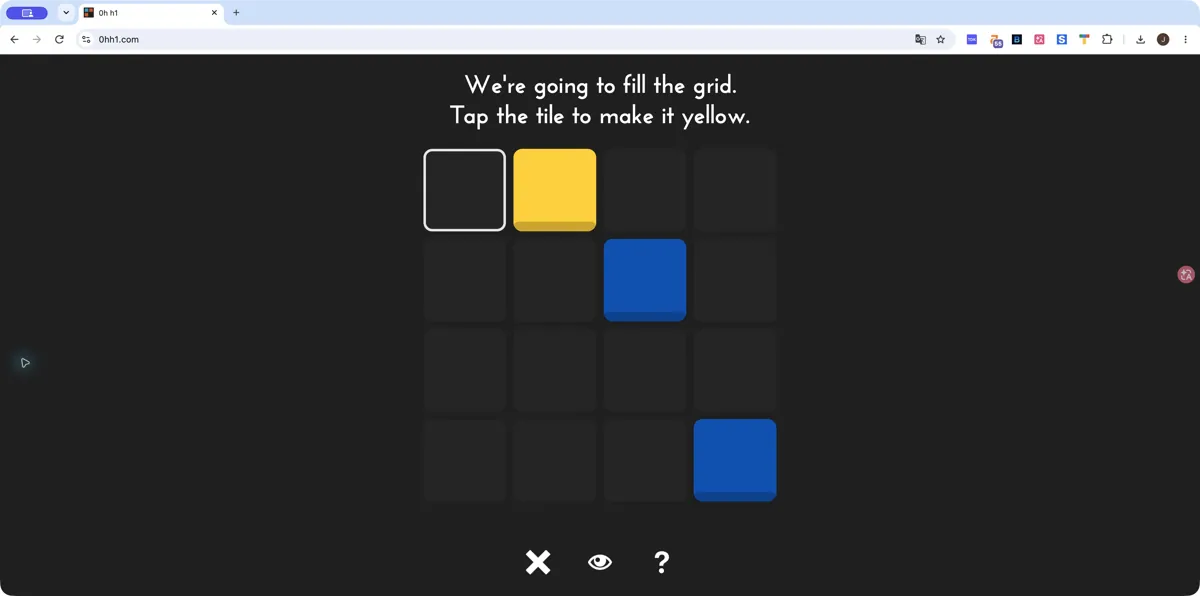 Startup screen
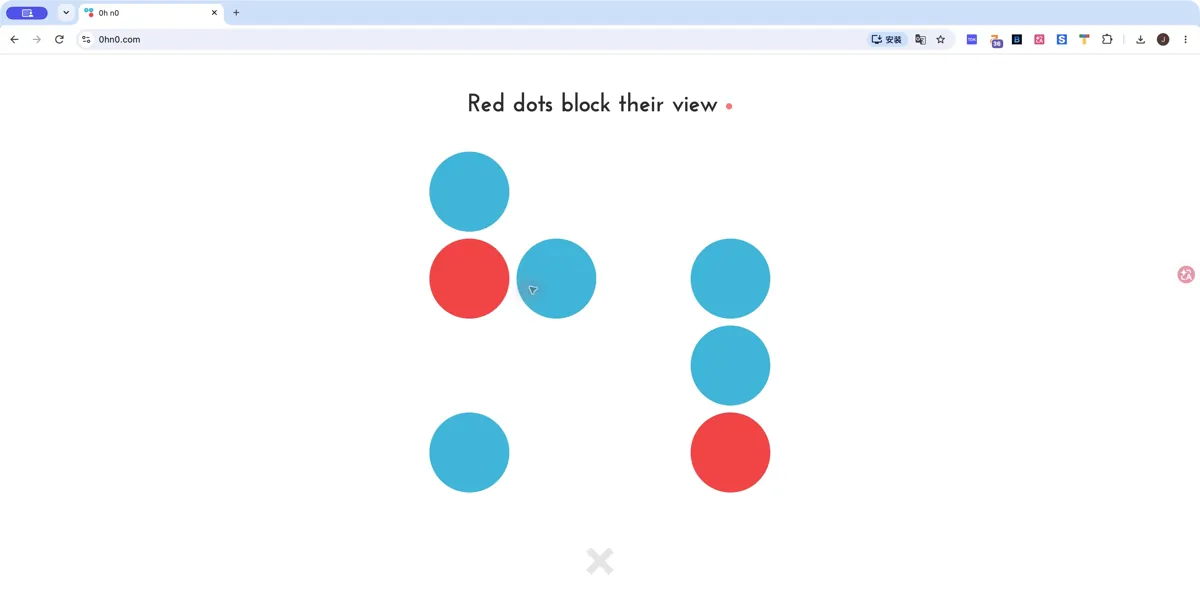 Startup screen
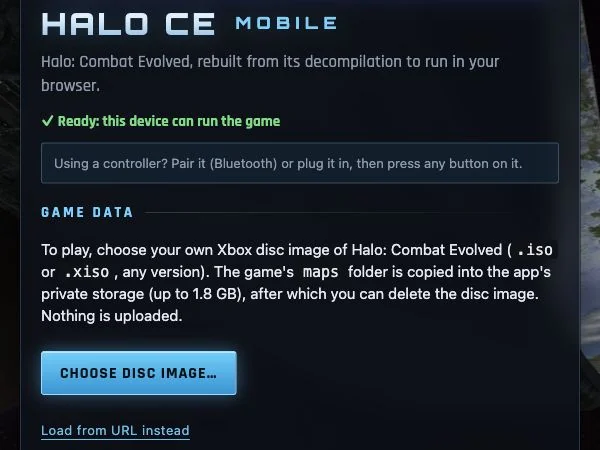 Startup screen
Halo: Combat Evolved
Desktop + mobile · Halo CE Mobile (HCEMobile)
What you need: Your own Halo CE Xbox disc image · Up to ~1.8 GB local storage · Touch, controller or keyboard and mouse
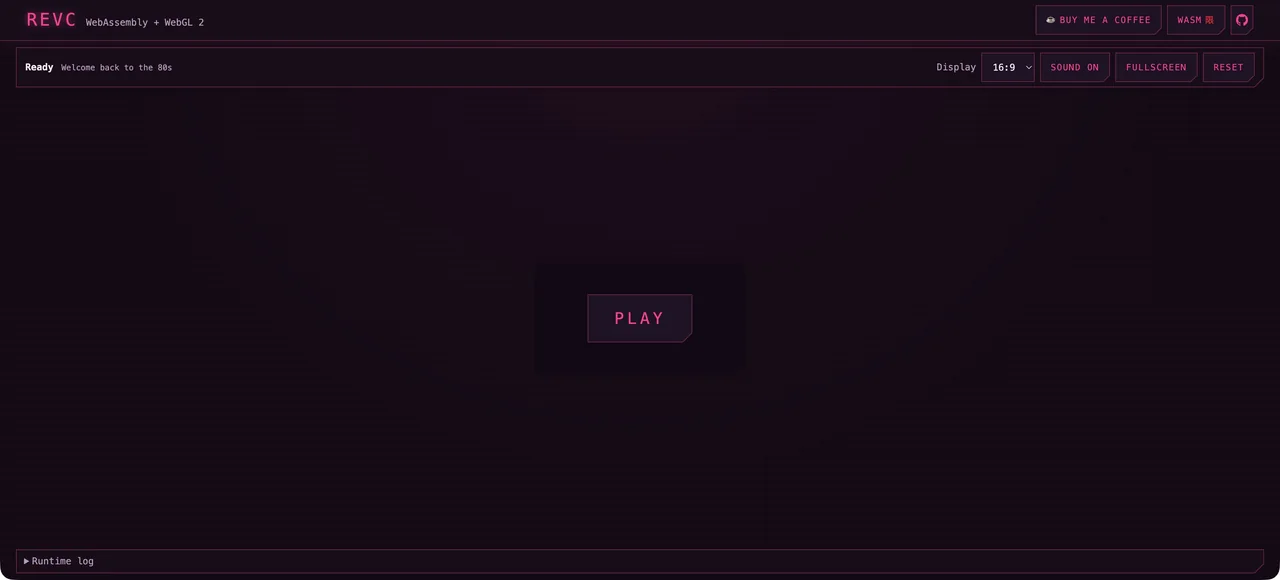 Startup screen
GTA: Vice City
Desktop · reVC Web (wasm.ltd)
What you need: Your own copy of GTA: Vice City · WebGL 2 · SharedArrayBuffer support
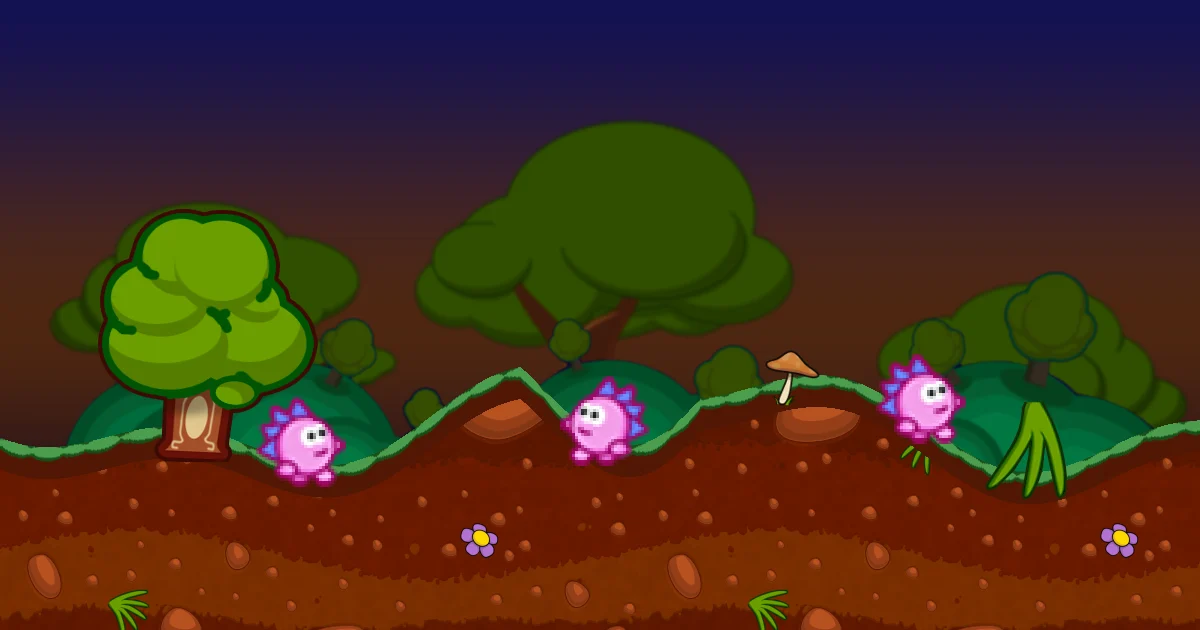
Hedgewars
Desktop · Hedgewars (official site)
What you need: Download from the official site, or a browser build if available
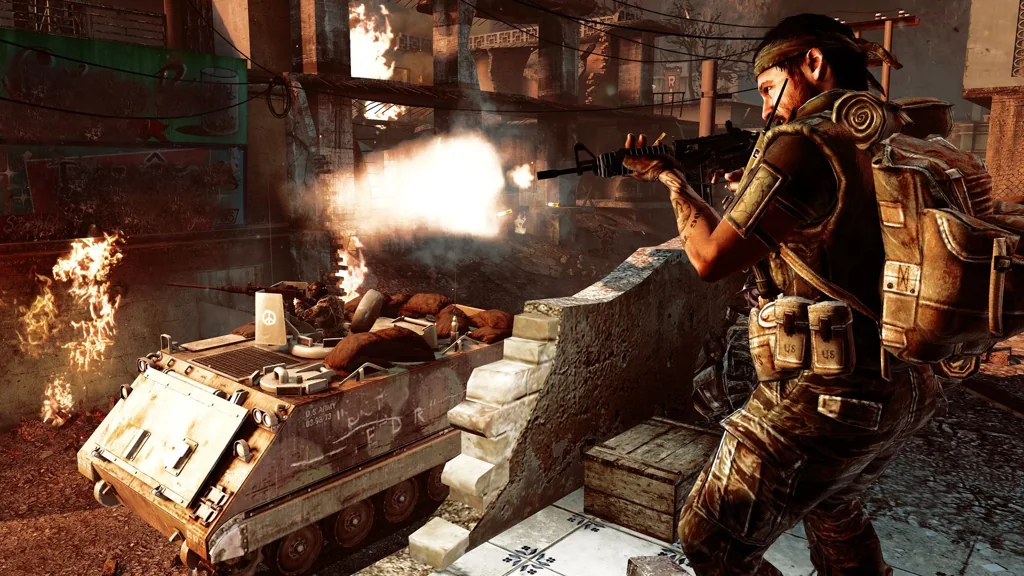 Original release · reference image
Black Ops Zombies (BO1)
Desktop · Browser project not verified
What you need: Browser-build requirements not verified
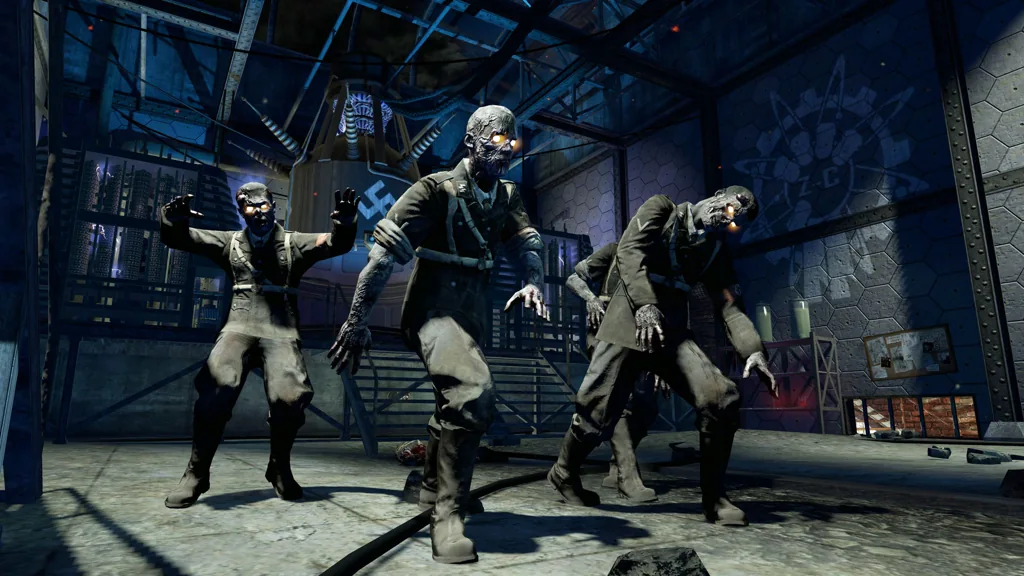 Original release · reference image
Black Ops — Moon
Desktop · Browser project not verified
What you need: Browser-build requirements not verified
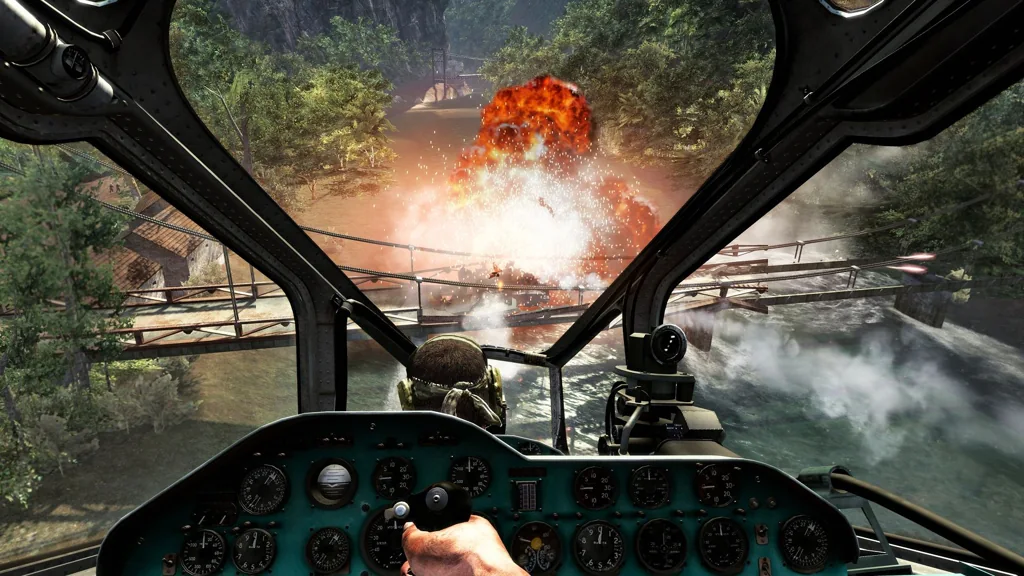 Original release · reference image
Black Ops — Kino der Toten
Desktop · Browser project not verified
What you need: Browser-build requirements not verified
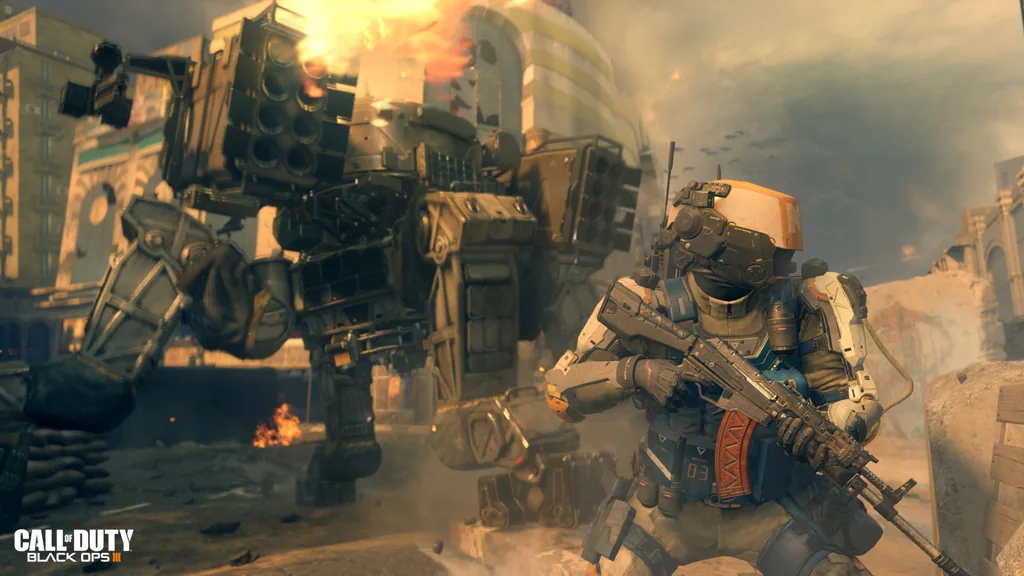 Original release · reference image
BO3 Cheese Cube
Desktop · Browser project not verified
What you need: Browser-build requirements not verified
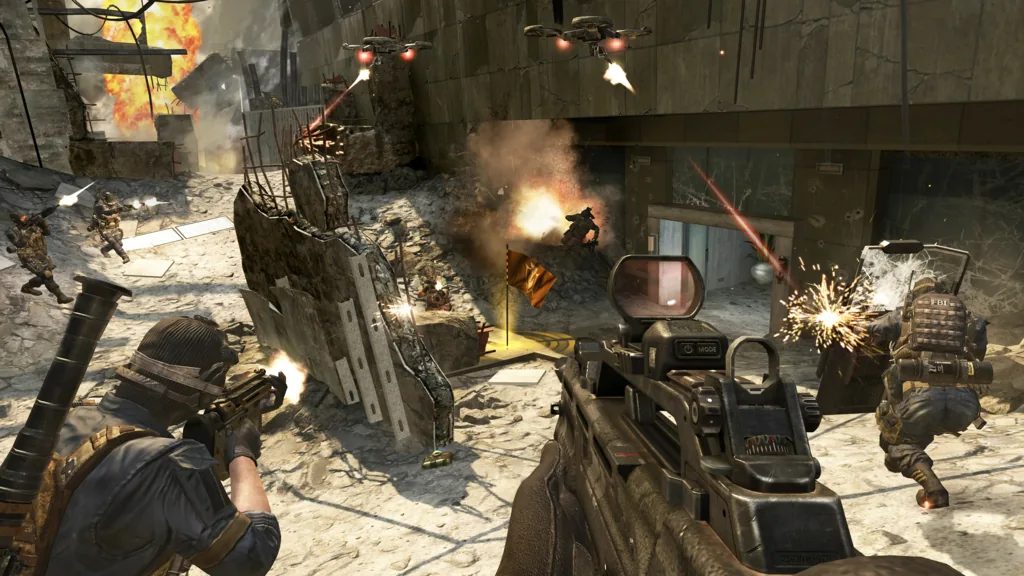 Original release · reference image
Black Ops 2
Desktop · Browser project not verified
What you need: Browser-build requirements not verified
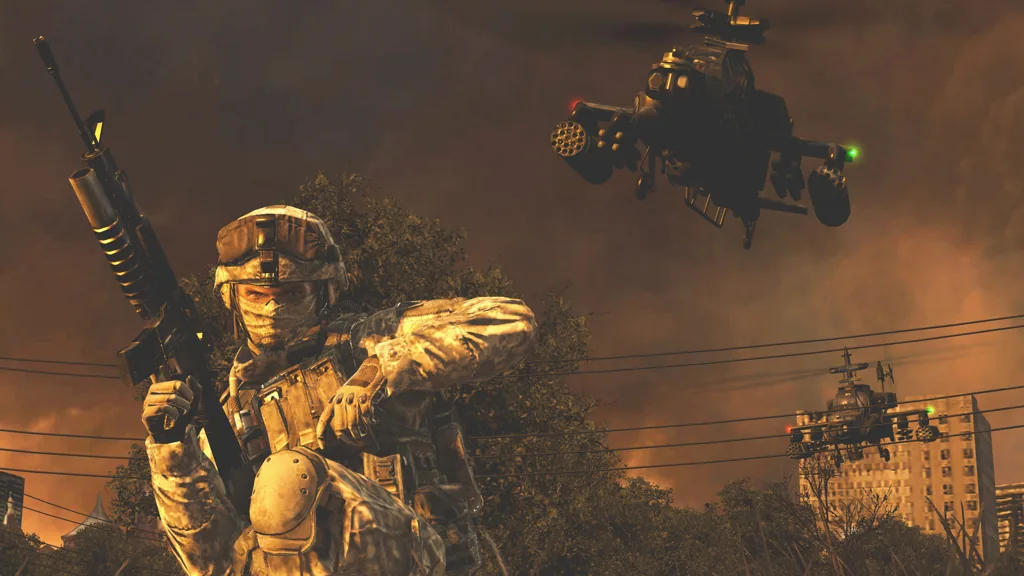 Original release · reference image
Modern Warfare 2 (2009)
Desktop · Browser project not verified
What you need: Browser-build requirements not verified
 Original release · reference image
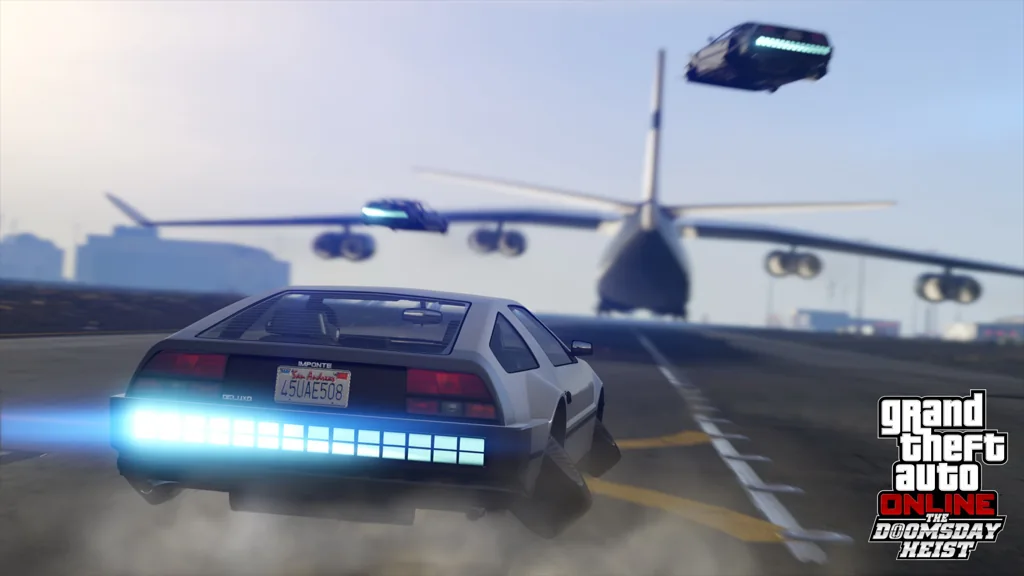
Grand Theft Auto V
Desktop · Browser project not verified
What you need: Browser-build requirements not verified
 Original release · reference image
The Simpsons: Hit & Run
Desktop · Browser project not verified
What you need: Browser-build requirements not verified
 Original release · reference image
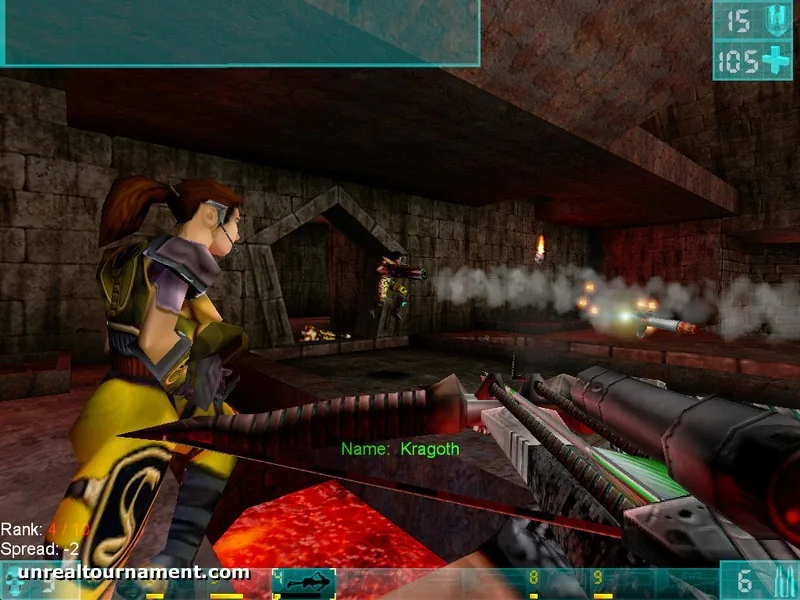
Unreal Tournament
Desktop · Browser project not verified
What you need: Browser-build requirements not verified
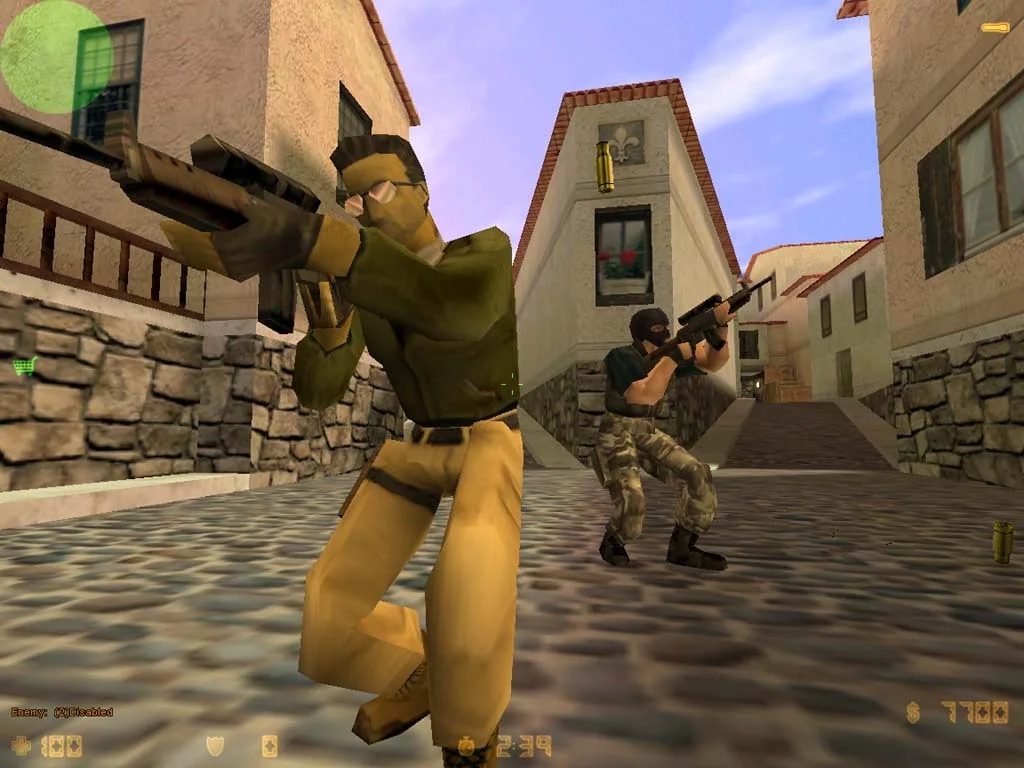 Original release · reference image
Counter-Strike 1.6
Desktop · Browser project not verified
What you need: Browser-build requirements not verified
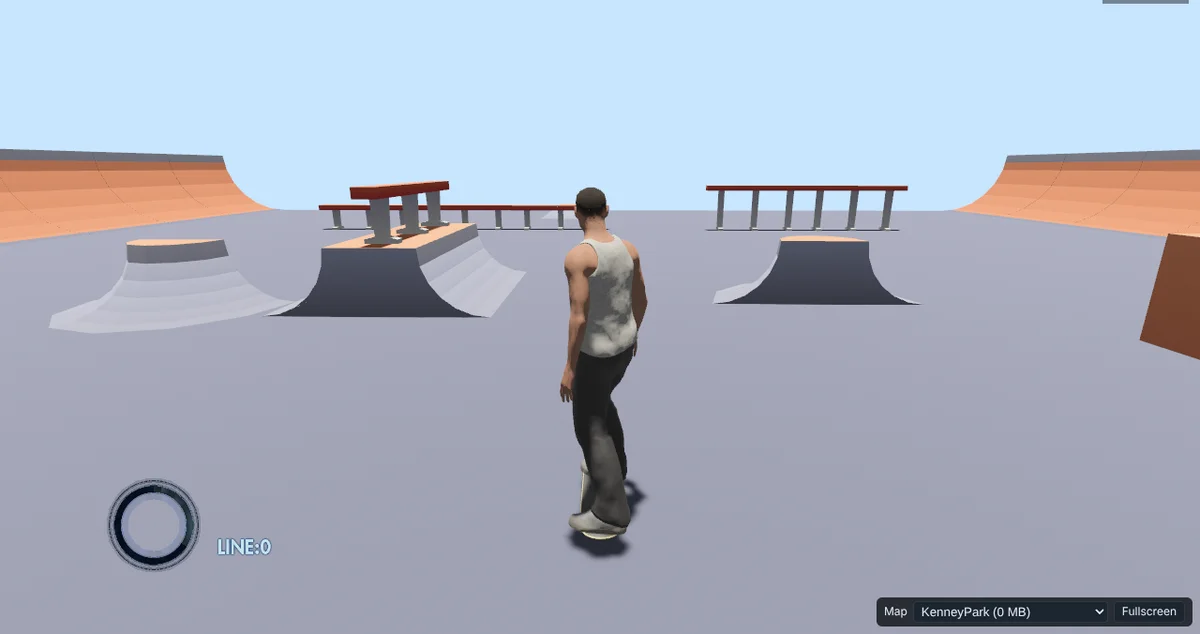
Skate Rust
Desktop · Browser project not verified
What you need: Browser-build requirements not verified
Pro Evolution Soccer 6
Desktop · Browser project not verified
What you need: Browser-build requirements not verified
No games match that search.
- Free to tryUses demo, shareware or freely released data.
- Bring your own copyEngine runs in the browser; you load files from a copy you own.
- Fan recreationNew code with regenerated or openly licensed assets. Not the original game files.
- Not linkedExists on the list, but we don't link hosts that serve commercial game files or don't say where their data comes from.
Looking for a specific browser version?
Some popular searches lead to unavailable or unverified projects. Check the status before looking for game files:
