What it actually is
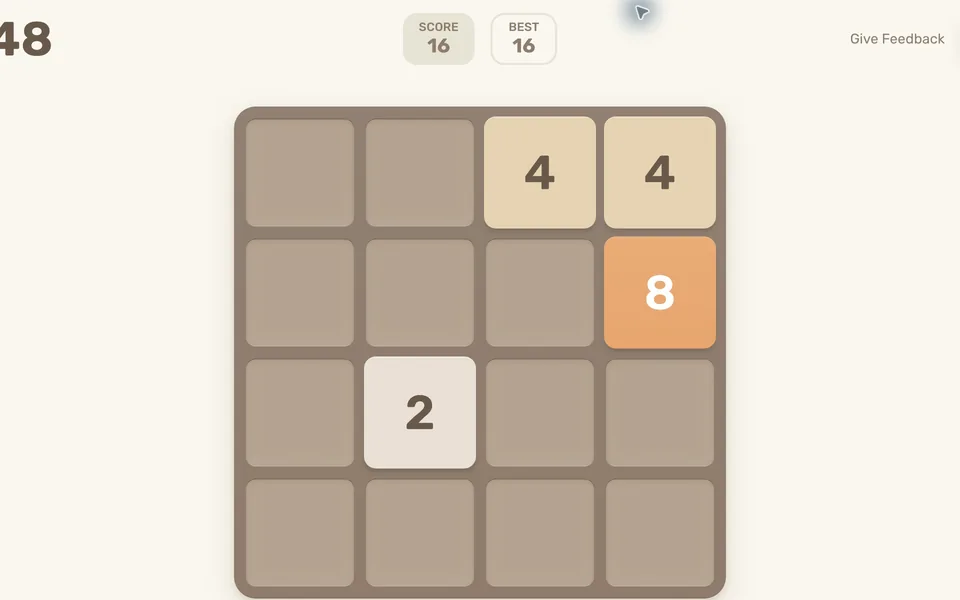
A single-player number puzzle played on a four-by-four board. Each move slides the entire board and adds a new tile; matching values merge. The challenge is keeping space available as larger numbers accumulate.
How to play 2048
- Open the original game using Play Now.
- Move in a direction to slide all tiles. Matching values merge.
- Keep combining tiles toward 2048; use New Game when you want to restart.
Tips for your first session
- Keep your largest tile near one corner.
- Avoid moves that fill the board without making room for a merge.
Controls
Arrow keys to slide; swipe on a touchscreen. New Game resets the board.
The legitimate way to play
This link goes to creator Gabriele Cirulli’s original browser version, rather than a clone or a commercial game-file mirror.
If 2048 won't load
- Allow JavaScript and give the project time to load on a stable connection. Open the original site in its own tab, then reload once if the interface does not appear.
- Check the requirements above for 2048. Graphics-based games can require hardware acceleration; text and number puzzles do not share the same graphics requirements as engine ports.
- Check the project’s save options before clearing site data. Private browsing and automatic storage cleanup can remove locally stored progress. Follow your school or workplace rules if a managed network blocks the site.
Chromebook, phone and tablet
Use arrow keys on a desktop or Chromebook, or swipe on a phone or tablet. Browser storage keeps the local game state; clearing site data can remove it. Managed networks may restrict the host.
Play something similar right now
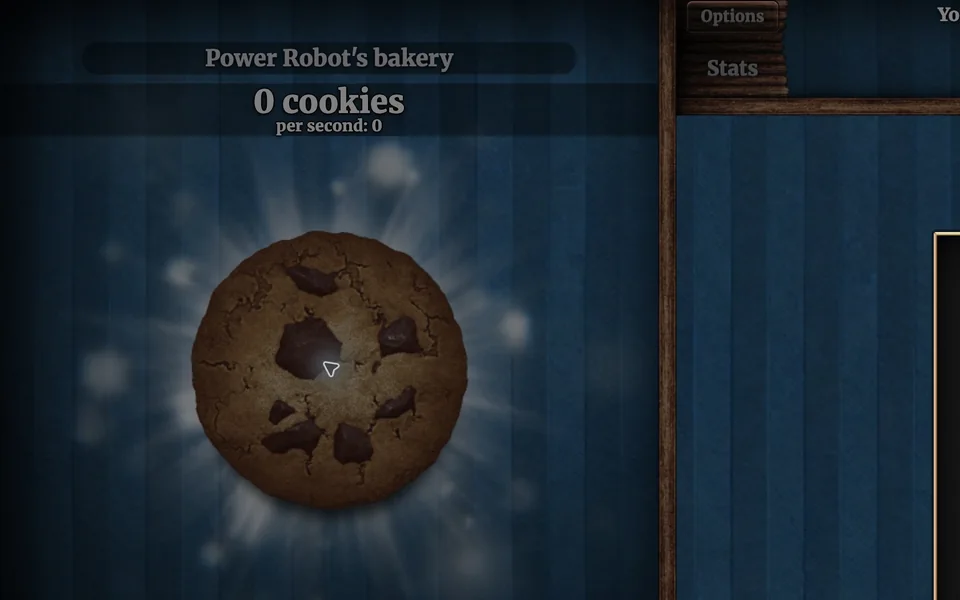
Cookie Clicker
Desktop · Orteil / DashNet
What you need: JavaScript enabled · Browser storage for local saves

A Dark Room
Desktop · Doublespeak Games
What you need: JavaScript enabled · Browser storage for progress
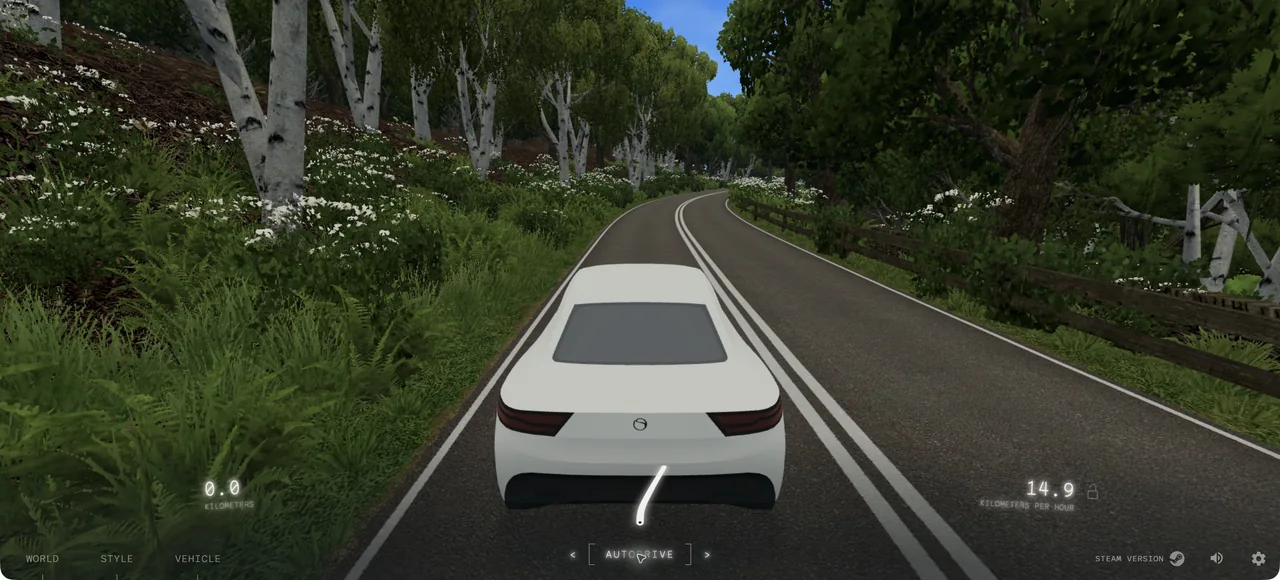
Slow Roads
Desktop · anslo (official site)
What you need: Modern browser with hardware-accelerated graphics · Keyboard · Stable connection for the initial load
Questions
Is this the original 2048?
Yes. The linked page identifies itself as the original version created by Gabriele Cirulli.
Do I need to install anything?
No. The original web game runs directly in a browser with JavaScript enabled.
Is this part of the original Radiant Optimizer post?
No. This is an additional browser-game recommendation from TabArcade. It is a separate third-party project and does not require Radiant Optimizer.