
What it actually is
An experimentation puzzle built around combining pairs of items. You begin with simple materials and use discoveries in later combinations. There is no need to import a commercial game’s data or use a console emulator.
How to play Little Alchemy 2
- Open the official game and wait for its workspace.
- Drag starting materials into the workspace.
- Combine two items and try using any discovery in another combination.
Tips for your first session
- Try a newly discovered item with the starting materials.
- Use the official hints when you are stuck rather than resetting your progress.
Controls
Drag one item onto another in the workspace to try a combination.
The legitimate way to play
The link opens the official Little Alchemy 2 web game from Recloak. Official help and hints are available through the project’s own sites.
If Little Alchemy 2 won't load
- Allow JavaScript and give the project time to load on a stable connection. Open the original site in its own tab, then reload once if the interface does not appear.
- Check the requirements above for Little Alchemy 2. Graphics-based games can require hardware acceleration; text and number puzzles do not share the same graphics requirements as engine ports.
- Check the project’s save options before clearing site data. Private browsing and automatic storage cleanup can remove locally stored progress. Follow your school or workplace rules if a managed network blocks the site.
Chromebook, phone and tablet
A desktop or Chromebook with a mouse or trackpad makes dragging combinations straightforward. This listing recommends the desktop web version; phone browser controls have not been tested here.
Play something similar right now
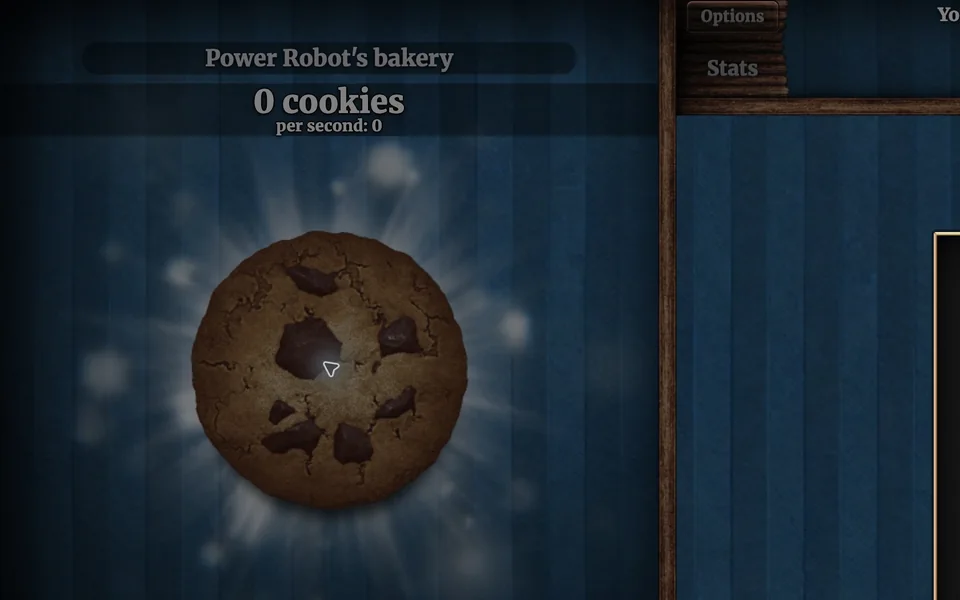
Cookie Clicker
Desktop · Orteil / DashNet
What you need: JavaScript enabled · Browser storage for local saves

A Dark Room
Desktop · Doublespeak Games
What you need: JavaScript enabled · Browser storage for progress

Slow Roads
Desktop · anslo (official site)
What you need: Modern browser with hardware-accelerated graphics · Keyboard · Stable connection for the initial load
Questions
Is this an emulator?
No. Little Alchemy 2 is a web game with its own combination interface.
Where can I find save help?
The official help center at help.littlealchemy2.com explains local progress, login and cloud-save issues.
Is this part of the original Radiant Optimizer post?
No. This is an additional browser-game recommendation from TabArcade. It is a separate third-party project and does not require Radiant Optimizer.