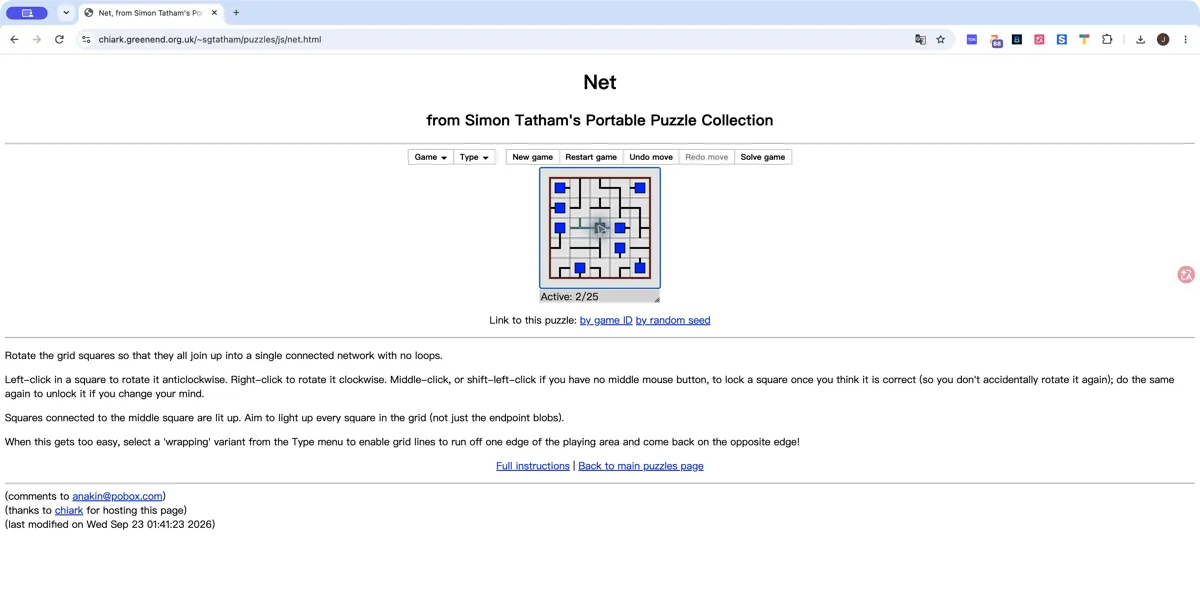
What it actually is
Net is a connection puzzle: rotate the pieces until every square belongs to a single network, without loops. Pieces connected to the central square light up, giving you a way to inspect your progress. The Type menu also offers wrapping boards, where connections can cross an edge. Start with a non-wrapping board while learning the rules.
How to play Net (Simon Tatham)
- Open the official Net page and wait for the WebAssembly board.
- Rotate pieces to connect them to the centre and light up every square.
- Use Shift-click to protect pieces you have settled, and Undo if you need to revisit a choice.
Tips for your first session
- Begin with edge pieces on a non-wrapping board.
- Light up all squares, not just the round endpoints; the finished network must not contain loops.
Controls
Left-click rotates a piece anticlockwise; right-click rotates clockwise. Shift-left-click locks or unlocks a piece. Undo reverses a move.
The legitimate way to play
This link opens the browser build hosted for Simon Tatham’s own puzzle collection. It does not require files from a commercial game. The author provides instructions and public source code.
If Net puzzle won't load
- Allow JavaScript and give the project time to load on a stable connection. Open the original site in its own tab, then reload once if the interface does not appear.
- Check the requirements above for Net (Simon Tatham). Graphics-based games can require hardware acceleration; text and number puzzles do not share the same graphics requirements as engine ports.
- Check the project’s save options before clearing site data. Private browsing and automatic storage cleanup can remove locally stored progress. Follow your school or workplace rules if a managed network blocks the site.
Chromebook, phone and tablet
This guide covers desktop pointer controls. Touch gestures and phone play were not tested. Browser restrictions can block the WebAssembly files even when the help text loads.
Other browser projects to explore
 Startup screen
 Startup screen
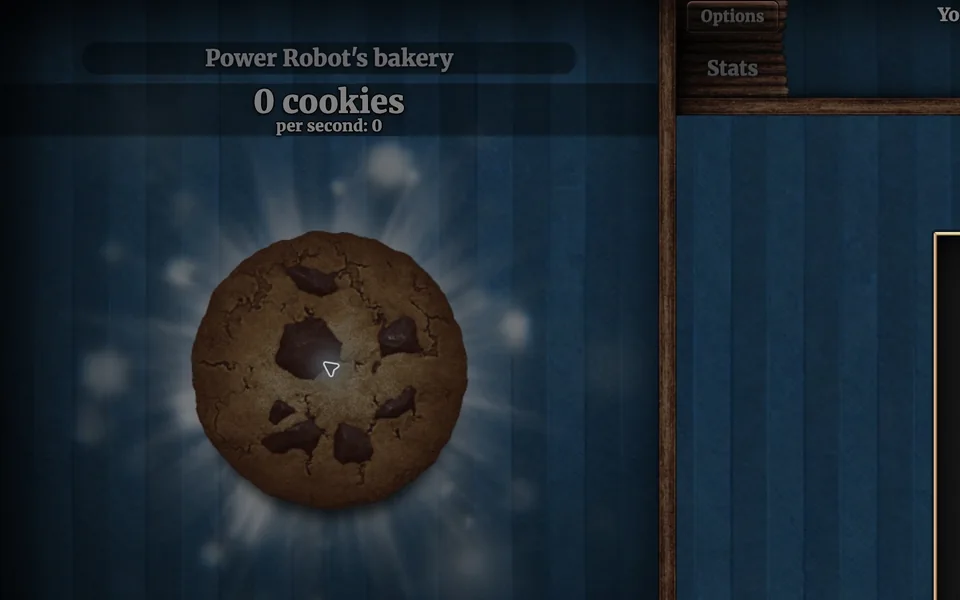
Cookie Clicker
Desktop · Orteil / DashNet
What you need: JavaScript enabled · Browser storage for local saves
Sources and version checks
Sources checked:
Questions
Why does Net say WebAssembly is not working?
The official browser edition needs JavaScript and WebAssembly. A blocked net.js or net.wasm download can leave the help text visible without a playable board.
Can I save a particular puzzle?
The official page offers game-ID links and save-file controls. Use those controls before leaving a board you want to revisit.
Is this part of the original Radiant Optimizer post?
No. This is an additional browser-game recommendation from TabArcade. It is a separate third-party project and does not require Radiant Optimizer.