What it actually is
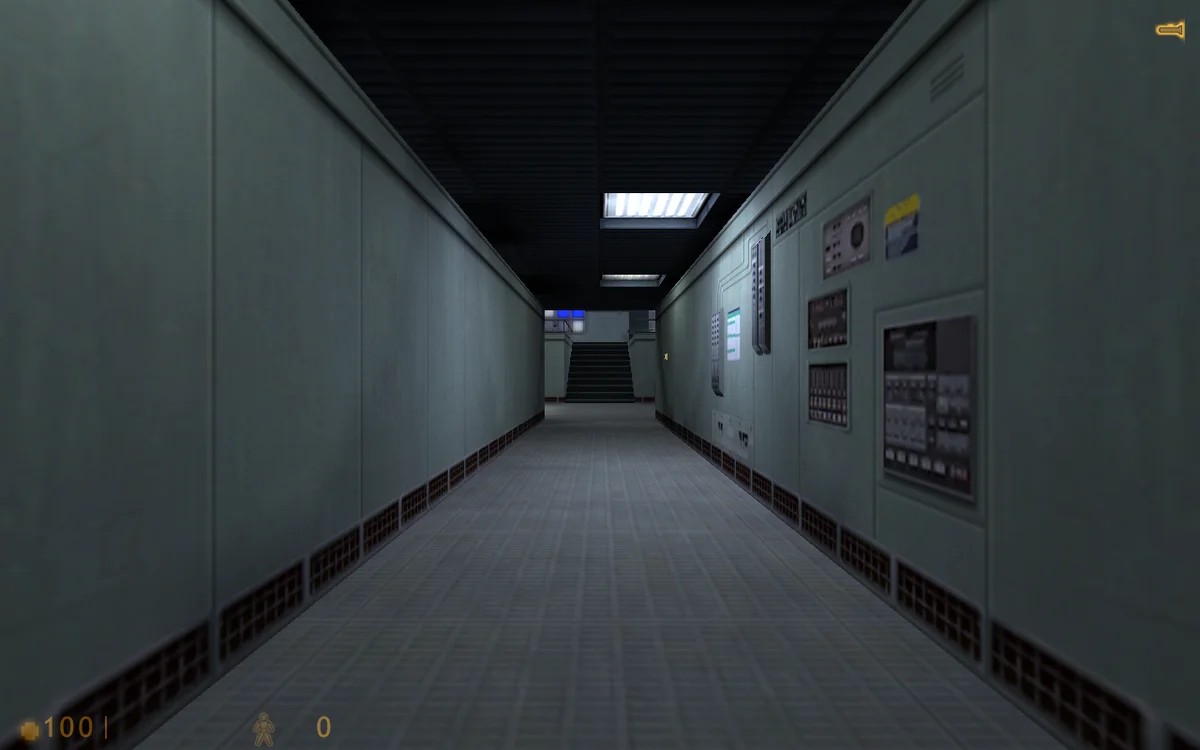
WebXash is a browser build of the Xash3D engine that ships with Valve's freely released Half-Life: Uplink demo, a short standalone chapter. It is a good taste of how smooth the old GoldSrc games are in WebAssembly. The full campaign is not included.
How to play Half-Life
- Open WebXash and let the free Uplink demo finish loading.
- Start the demo and click the game window to give it keyboard and mouse focus.
- Check the in-game controls before exploring Black Mesa.
Tips for your first session
- Explore corridors carefully and check your surroundings before moving ahead.
- This build includes Uplink rather than the full campaign, so use the demo as a short first session.
The legitimate way to play
Uplink demo is free; Half-Life is sold on Steam.
If Half-Life won't load
- Give the first load time. Half-Life downloads its engine and data before the first frame, and a cut-off download often looks like a frozen black screen. Reload once on a stable connection before trying anything else.
- Click inside the game window before pressing keys. Browser games only receive keyboard and mouse input once the page has focus, and most need a click to capture the mouse.
- If the screen stays black, run our browser check. A missing WebGL 2 result usually means an outdated browser or a graphics driver the browser has blocked.
Chromebook, phone and tablet
On a Chromebook, Half-Life should start in Chrome as long as the browser check shows WebAssembly and WebGL 2. Low-end Chromebooks may need lower graphics settings, and managed school devices can block sites or downloads entirely; follow your school's rules. It is built for keyboard and mouse, so a phone or tablet is not a realistic way to play it.
Other browser projects to explore
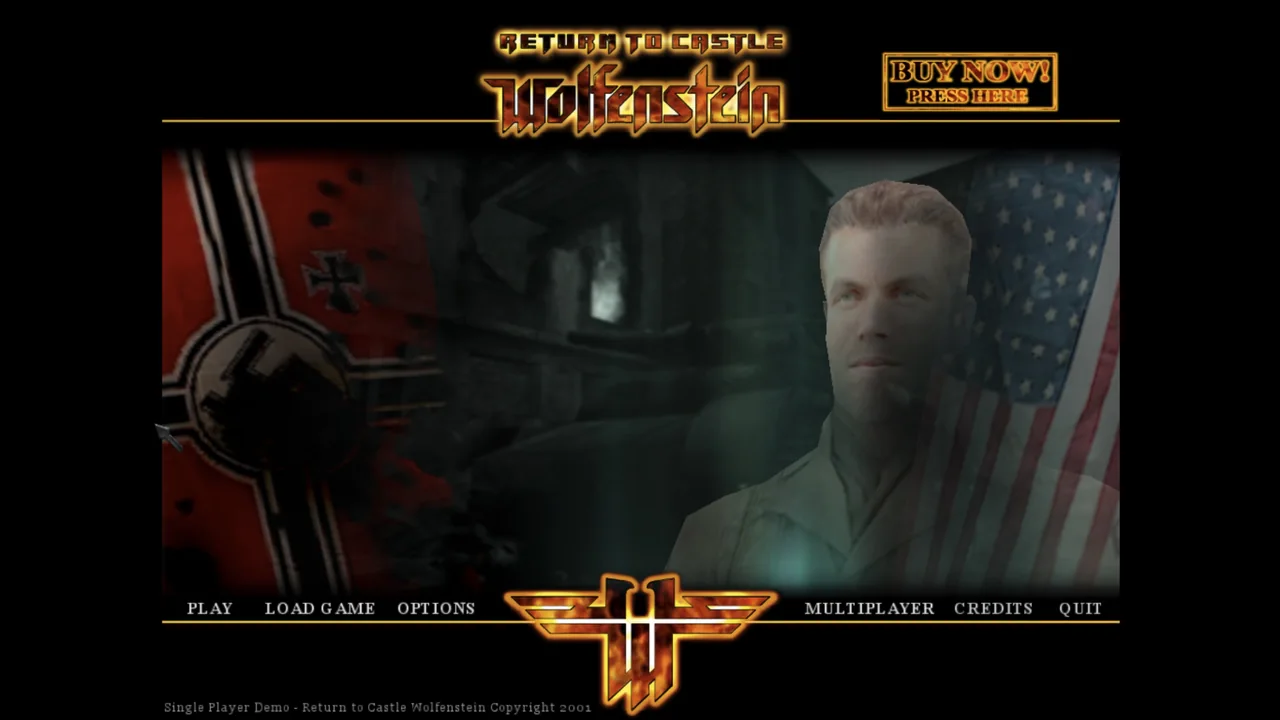 Startup screen
Return to Castle Wolfenstein
Desktop · touch controls · Wwasm
What you need: 18+ confirmation on the host · Optional: your own .pk3 files
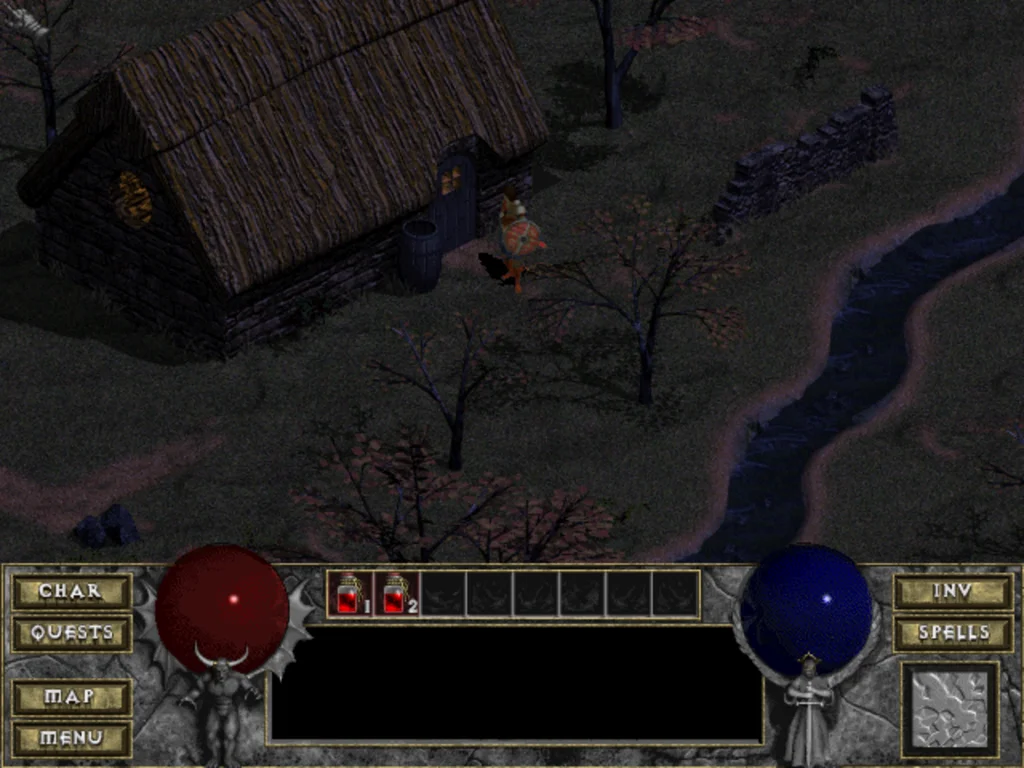

Hedgewars
Desktop · Hedgewars (official site)
What you need: Download from the official site, or a browser build if available
Questions
Is the whole Half-Life campaign playable?
No. WebXash includes the free Uplink demo.
Is this connected to Radiant Optimizer?
No. Radiant Optimizer is Windows tuning software. This title was simply included in a viral post by its X account.