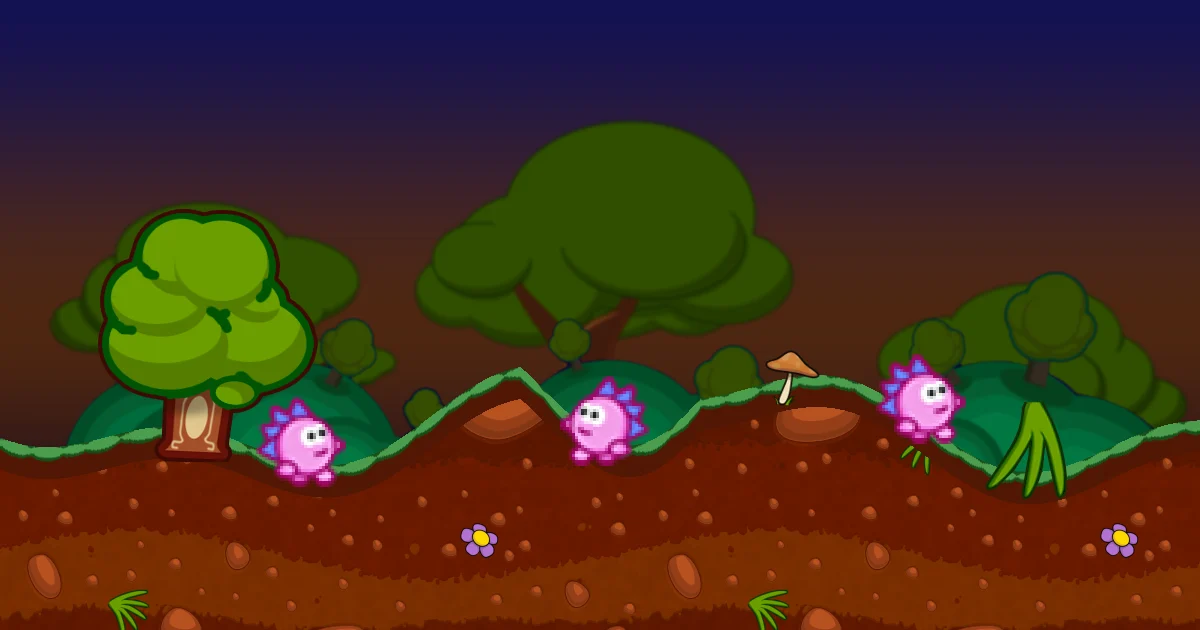
What it actually is
Hedgewars is free software, so a browser port is fair game. A community browser build has been reported, but it was having certificate problems when the post went viral. The official site has free downloads for Windows, macOS and Linux, which is the reliable way to play.
How to get started
- Open the official Hedgewars site.
- Choose the download for your operating system and follow the official instructions.
- Start a practice match before playing with others.
Tips for your first session
- Use a practice match to learn aiming and turn timing.
- This entry links to official downloads; a browser build has not been verified.
The legitimate way to play
Free and open source.
If Hedgewars won't load
- Give the first load time. Hedgewars downloads its engine and data before the first frame, and a cut-off download often looks like a frozen black screen. Reload once on a stable connection before trying anything else.
- Click inside the game window before pressing keys. Browser games only receive keyboard and mouse input once the page has focus, and most need a click to capture the mouse.
- If the screen stays black, run our browser check. A missing WebGL 2 result usually means an outdated browser or a graphics driver the browser has blocked.
Chromebook, phone and tablet
On a Chromebook, Hedgewars should start in Chrome as long as the browser check shows WebAssembly and WebGL 2. Low-end Chromebooks may need lower graphics settings, and managed school devices can block sites or downloads entirely; follow your school's rules. It is built for keyboard and mouse, so a phone or tablet is not a realistic way to play it.
Other browser projects to explore
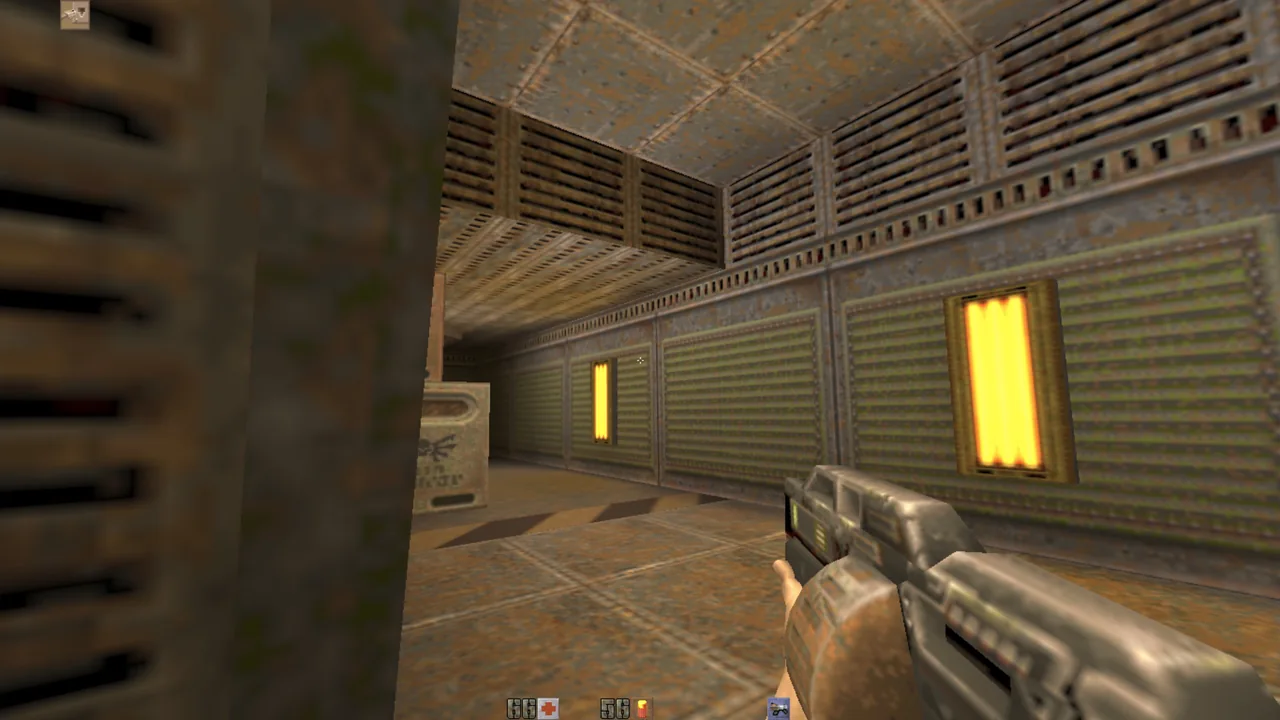
Quake II
Desktop · touch controls · Qwasm2
What you need: 18+ confirmation on the host · Optional: your own PAK files
Questions
Is Hedgewars free?
Yes. It is open-source software.
Is this connected to Radiant Optimizer?
No. Radiant Optimizer is Windows tuning software. This title was simply included in a viral post by its X account.