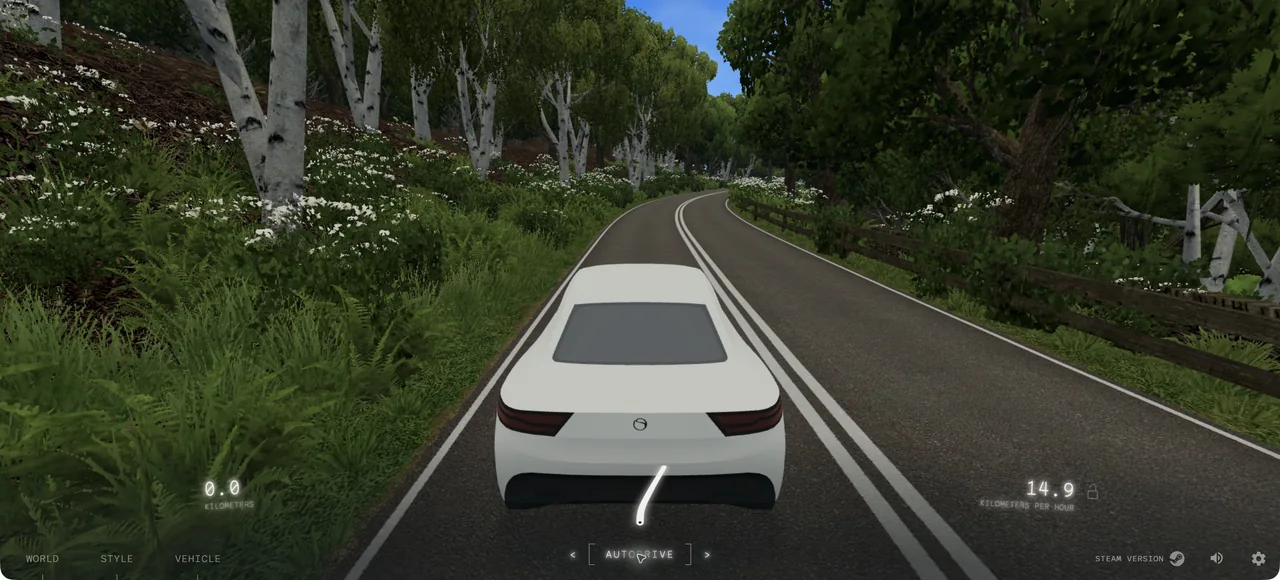
What it actually is
Slow Roads is an open-ended driving experience with generated scenery. The focus is a continuous journey rather than finishing a race. Its settings let you change the feel of a drive, and its browser edition is distinct from the developer’s other releases.
How to play Slow Roads
- Open Slow Roads and wait for the start screen.
- Review its controls and graphics settings.
- Begin a drive; lower graphics settings if the scenery stutters.
Tips for your first session
- Start with lower graphics settings on a modest laptop.
- Try different scenery and weather settings to change the mood of a drive.
Controls
Use the in-game controls menu to check driving inputs and remap settings before starting.
The legitimate way to play
This link opens anslo’s official Slow Roads website. The developer describes the web version as free; we link the original rather than repackaging the game.
If Slow Roads won't load
- Allow JavaScript and give the project time to load on a stable connection. Open the original site in its own tab, then reload once if the interface does not appear.
- Check the requirements above for Slow Roads. Graphics-based games can require hardware acceleration; text and number puzzles do not share the same graphics requirements as engine ports.
- Check the project’s save options before clearing site data. Private browsing and automatic storage cleanup can remove locally stored progress. Follow your school or workplace rules if a managed network blocks the site.
Chromebook, phone and tablet
A desktop keyboard and hardware-accelerated browser are recommended. Chromebook performance depends on its graphics hardware. This entry does not promise performance or touch controls on an untested phone.
Play something similar right now
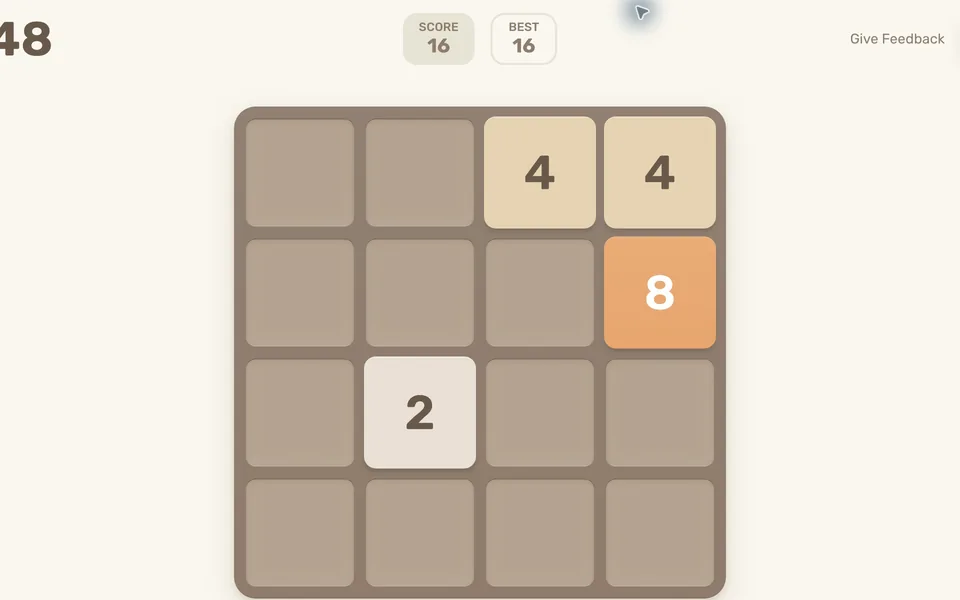
2048
Desktop + mobile · Gabriele Cirulli (original version)
What you need: JavaScript enabled · Keyboard or touchscreen
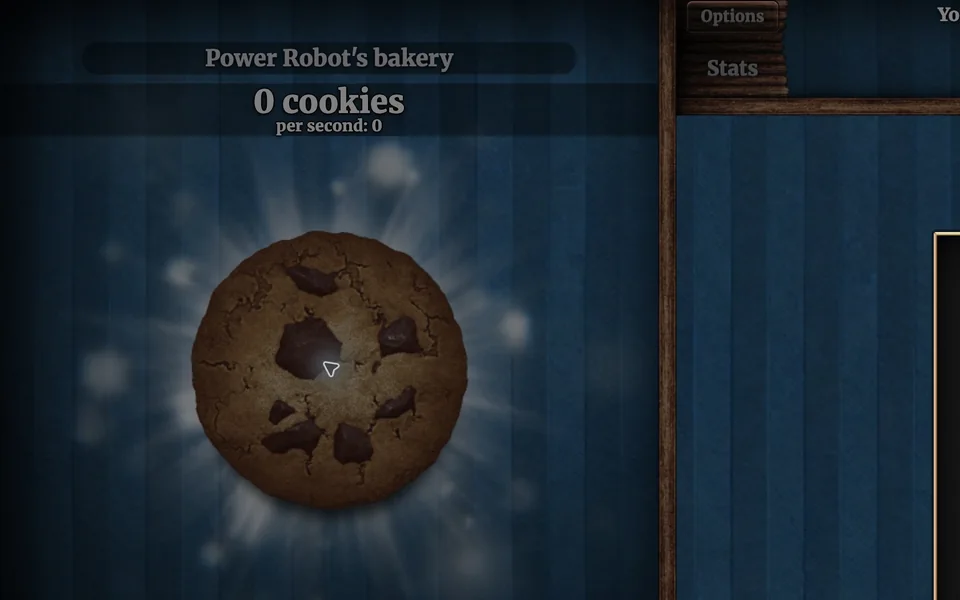
Cookie Clicker
Desktop · Orteil / DashNet
What you need: JavaScript enabled · Browser storage for local saves

A Dark Room
Desktop · Doublespeak Games
What you need: JavaScript enabled · Browser storage for progress
Questions
Is there a download requirement?
The linked web version runs in the browser; no desktop installation is required.
Why does the game feel slow on my laptop?
Rendered scenery depends on your device’s graphics capabilities. Enable hardware acceleration and try lower graphics settings.
Is this part of the original Radiant Optimizer post?
No. This is an additional browser-game recommendation from TabArcade. It is a separate third-party project and does not require Radiant Optimizer.