
What it actually is
An incremental strategy game about production and optimisation. The early interface asks you to make paperclips, manage supplies and adjust your operation; further systems emerge as milestones are reached. Its simple appearance leaves the decisions in the foreground.
How to play Universal Paperclips
- Open the original web version.
- Make a few paperclips and inspect supplies and demand.
- Reinvest when you can afford an upgrade without exhausting essential resources.
Tips for your first session
- Keep an eye on supplies as production increases.
- Read new project descriptions before purchasing them.
Controls
Click available production and management buttons; watch resources before buying upgrades.
The legitimate way to play
This link uses the original web edition on Decision Problem. The landing page distinguishes this desktop-oriented version from mobile releases.
If Universal Paperclips won't load
- Allow JavaScript and give the project time to load on a stable connection. Open the original site in its own tab, then reload once if the interface does not appear.
- Check the requirements above for Universal Paperclips. Graphics-based games can require hardware acceleration; text and number puzzles do not share the same graphics requirements as engine ports.
- Check the project’s save options before clearing site data. Private browsing and automatic storage cleanup can remove locally stored progress. Follow your school or workplace rules if a managed network blocks the site.
Chromebook, phone and tablet
Use a desktop or Chromebook. The publisher explicitly says the web version was not designed for phones; separate mobile versions are offered from its landing page.
Play something similar right now
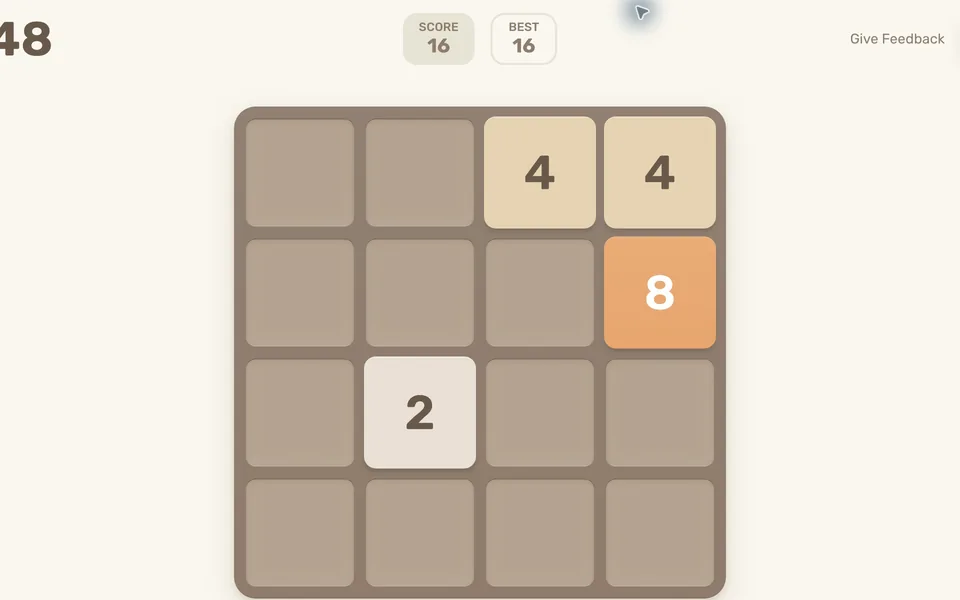
2048
Desktop + mobile · Gabriele Cirulli (original version)
What you need: JavaScript enabled · Keyboard or touchscreen

A Dark Room
Desktop · Doublespeak Games
What you need: JavaScript enabled · Browser storage for progress

Little Alchemy 2
Desktop · Recloak (official site)
What you need: JavaScript enabled · Mouse or trackpad · Browser storage for progress
Questions
Does the web game work on phones?
The original landing page says the web version was not designed for phones. Use a desktop browser for this link.
Does it require a game-file upload?
No. The web game loads its own interface and data without importing files from another game.
Is this part of the original Radiant Optimizer post?
No. This is an additional browser-game recommendation from TabArcade. It is a separate third-party project and does not require Radiant Optimizer.