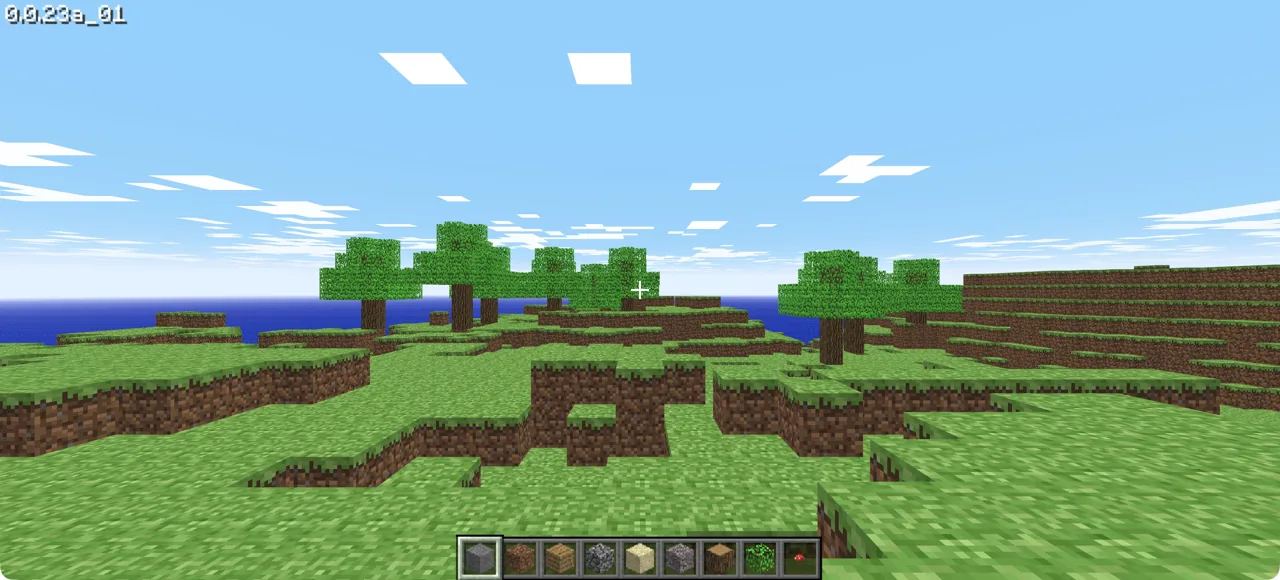
What it actually is
Minecraft Classic is Mojang's own 2009-era creative mode, re-released free in the browser for the game's tenth anniversary. It has 32 blocks, no survival mode and multiplayer by invite link. Unofficial browser clients that recreate modern Minecraft exist too, but Mojang has taken legal action against some of them, so we stick to the official one.
How to play Minecraft (Classic)
- Open the official Minecraft Classic site and wait for the world to load.
- Check the keyboard and mouse controls shown by the game.
- Build in creative mode; use the invite link if you want friends to join.
Tips for your first session
- Start with a small build to learn placing and removing blocks.
- Plan around the 32-block palette: this is Classic creative mode, without survival.
The legitimate way to play
Official and free from Mojang.
If Minecraft Classic won't load
- Give the first load time. Minecraft Classic downloads its engine and data before the first frame, and a cut-off download often looks like a frozen black screen. Reload once on a stable connection before trying anything else.
- Click inside the game window before pressing keys. Browser games only receive keyboard and mouse input once the page has focus, and most need a click to capture the mouse.
- If the screen stays black, run our browser check. A missing WebGL 2 result usually means an outdated browser or a graphics driver the browser has blocked.
Chromebook, phone and tablet
On a Chromebook, Minecraft Classic should start in Chrome as long as the browser check shows WebAssembly and WebGL 2. Low-end Chromebooks may need lower graphics settings, and managed school devices can block sites or downloads entirely; follow your school's rules. It is built for keyboard and mouse, so a phone or tablet is not a realistic way to play it.
Other browser projects to explore
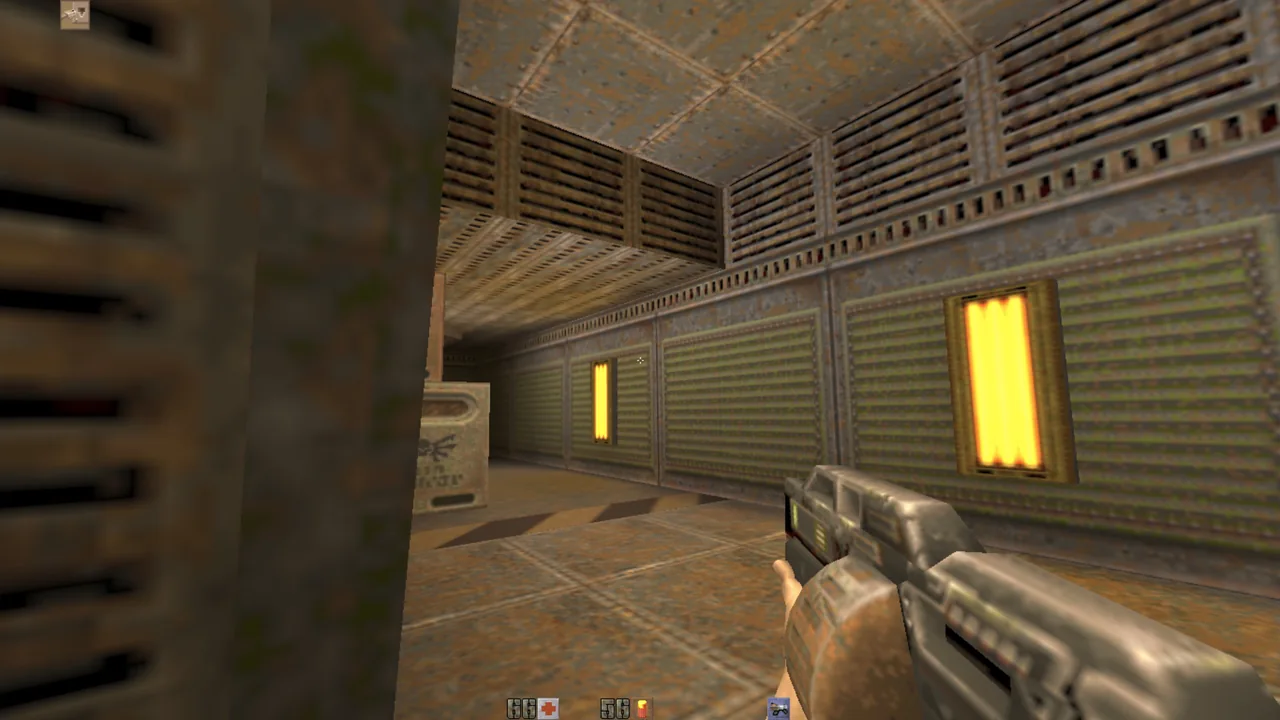
Quake II
Desktop · touch controls · Qwasm2
What you need: 18+ confirmation on the host · Optional: your own PAK files
Questions
Is Minecraft free in the browser?
Minecraft Classic is free and official. Modern Minecraft is sold by Mojang.
Is this connected to Radiant Optimizer?
No. Radiant Optimizer is Windows tuning software. This title was simply included in a viral post by its X account.