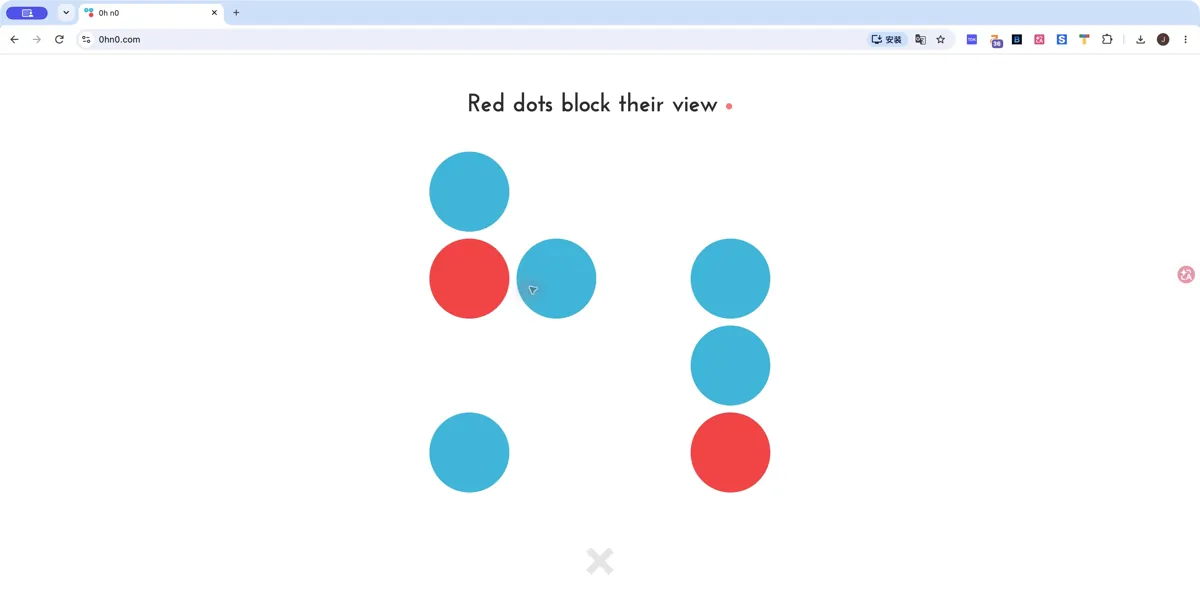
What it actually is
0h n0 uses a different rule set from its companion 0h h1. Blue dots see other blue dots along their row and column, while red dots stop the view. A numbered dot specifies how many other blue dots it can see, and every blue dot must see at least one other. The official site describes the concept as inspired by Kuromasu; there are no equal-colour-count or duplicate-row rules to import from 0h h1.
How to play 0h n0
- Open the official 0h n0 site and read How to play.
- Choose a board size in Free play.
- Count visible blue dots in straight lines, using red cells to stop a view when the clue requires it.
Tips for your first session
- Count from each clue outward rather than treating every blue dot as adjacent.
- When two clues share a line, a blocker can change both counts; check each clue after a change.
Controls
Follow the tutorial to cycle cells between blue and red. Use the numbered dots as clues and remember that a red cell cuts off a line of sight.
The legitimate way to play
The link goes to Q42 and Martin Kool’s own web edition. Its separate app-store links are optional; this page does not distribute an app or ask you to import game files.
If 0h n0 won't load
- Allow JavaScript and give the project time to load on a stable connection. Open the original site in its own tab, then reload once if the interface does not appear.
- Check the requirements above for 0h n0. Graphics-based games can require hardware acceleration; text and number puzzles do not share the same graphics requirements as engine ports.
- Check the project’s save options before clearing site data. Private browsing and automatic storage cleanup can remove locally stored progress. Follow your school or workplace rules if a managed network blocks the site.
Chromebook, phone and tablet
The desktop web interface is the basis for this guide. Phone gestures, cloud saves and app parity were not tested. Consult the creator’s own settings for progress options.
Other browser projects to explore
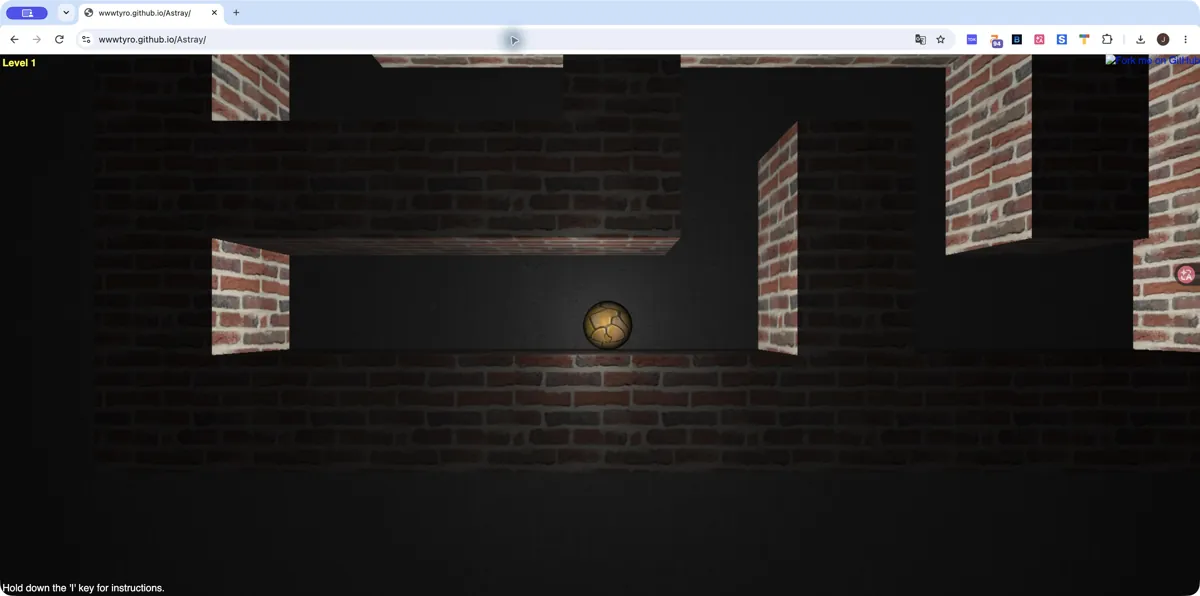
Astray
Desktop · wwwtyro (original GitHub Pages build)
What you need: Hardware-accelerated WebGL and JavaScript · Keyboard with arrow keys
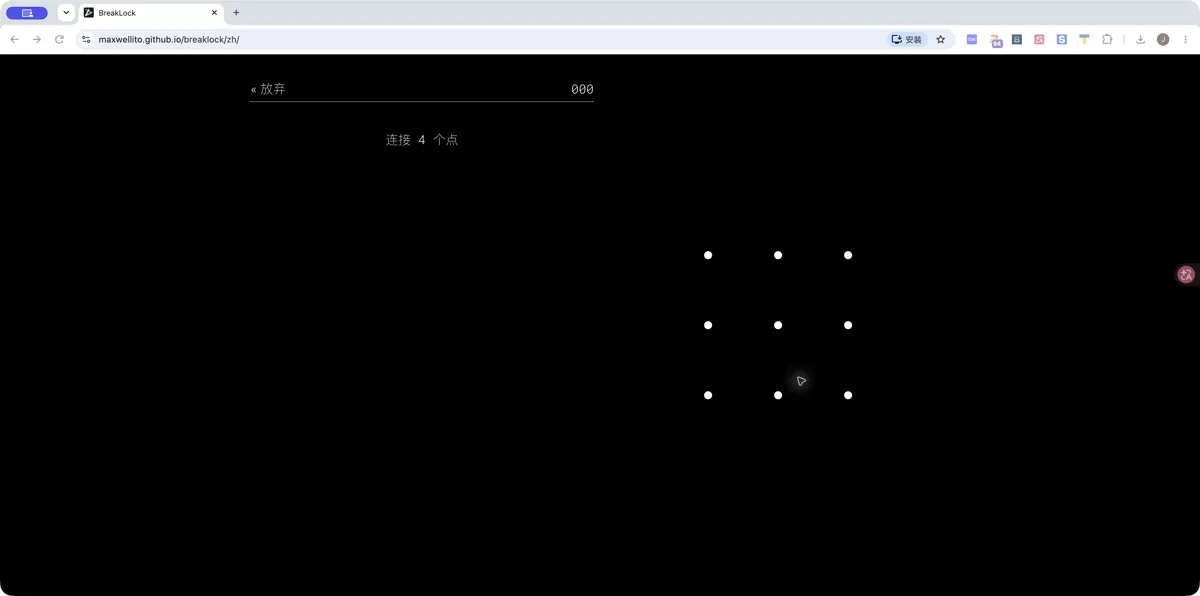 Startup screen
BreakLock
Desktop · maxwellito (original project)
What you need: JavaScript enabled · Mouse or pointing device
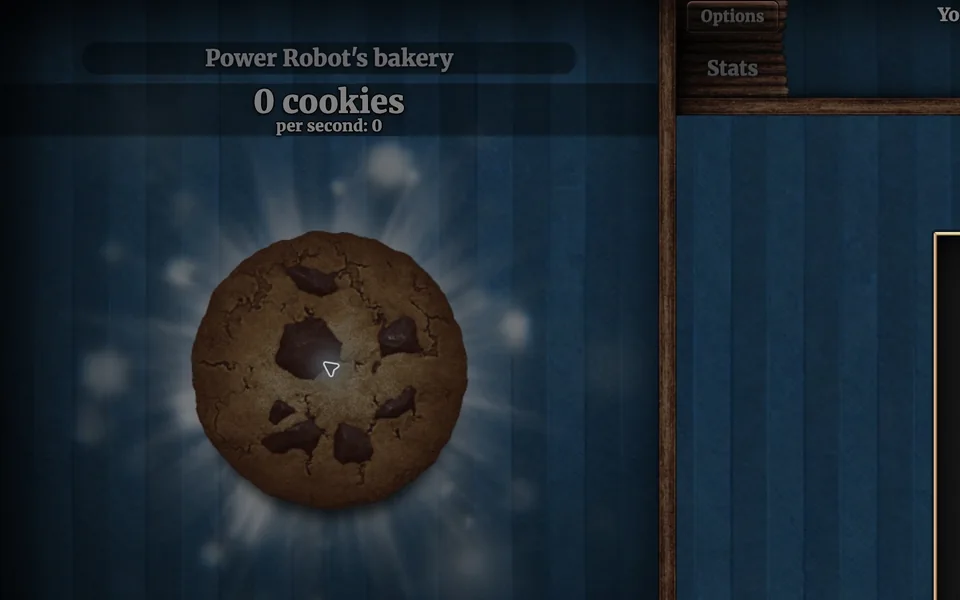
Cookie Clicker
Desktop · Orteil / DashNet
What you need: JavaScript enabled · Browser storage for local saves
Sources and version checks
Sources checked:
Questions
How is 0h n0 different from 0h h1?
0h n0 is about visibility and numbered clues. 0h h1 uses balanced two-colour rows and columns. Their board styles are similar, but their rules are different.
Do blue dots see diagonally?
The official rules describe sight along the same row and column. Red dots block that sight.
Is this part of the original Radiant Optimizer post?
No. This is an additional browser-game recommendation from TabArcade. It is a separate third-party project and does not require Radiant Optimizer.